Why Does Your Laptop Battery Drain So Fast?
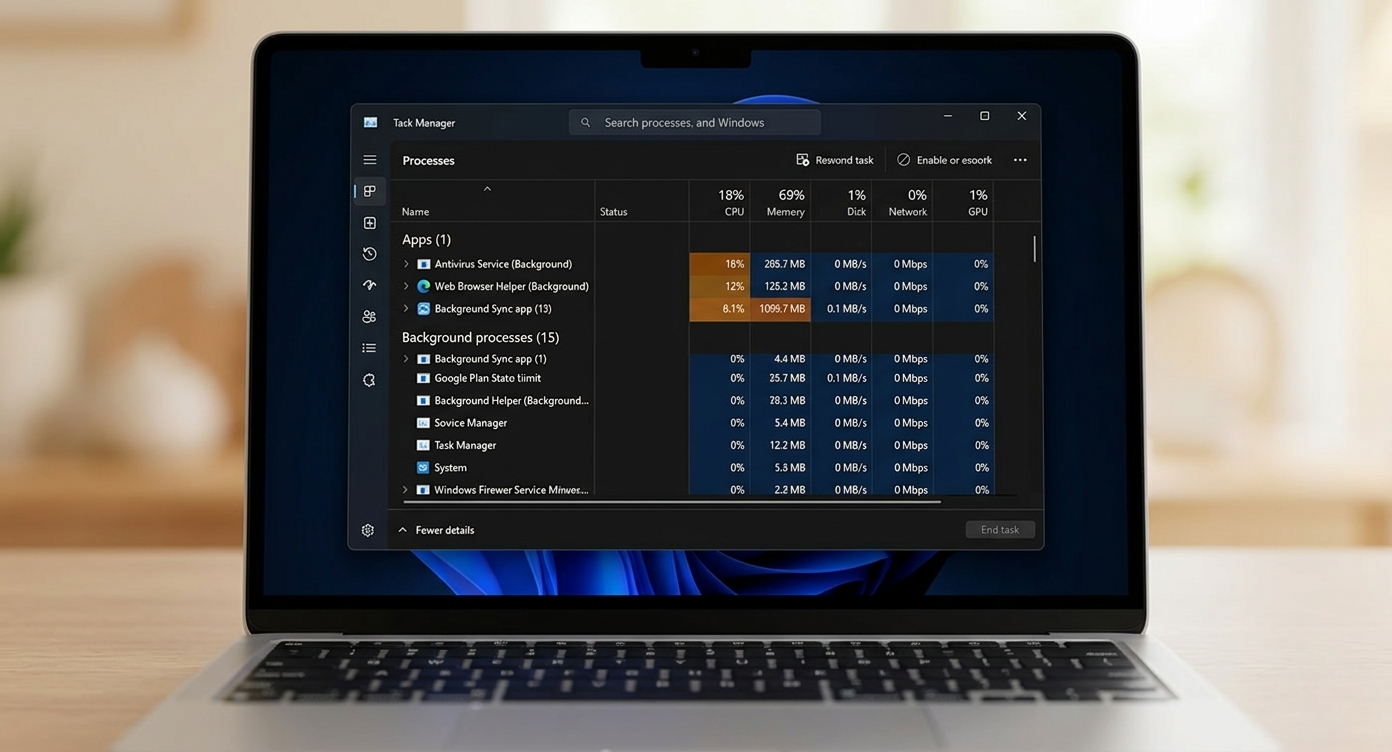
Regardless of your device type—be it a Standard Laptop, Gaming Laptop, or MacBook—battery drain is often caused by invisible background processes. Constant updates, cloud syncing, and background data usage significantly impact overall battery longevity.
5 Factors That Degrade Your Battery Life:
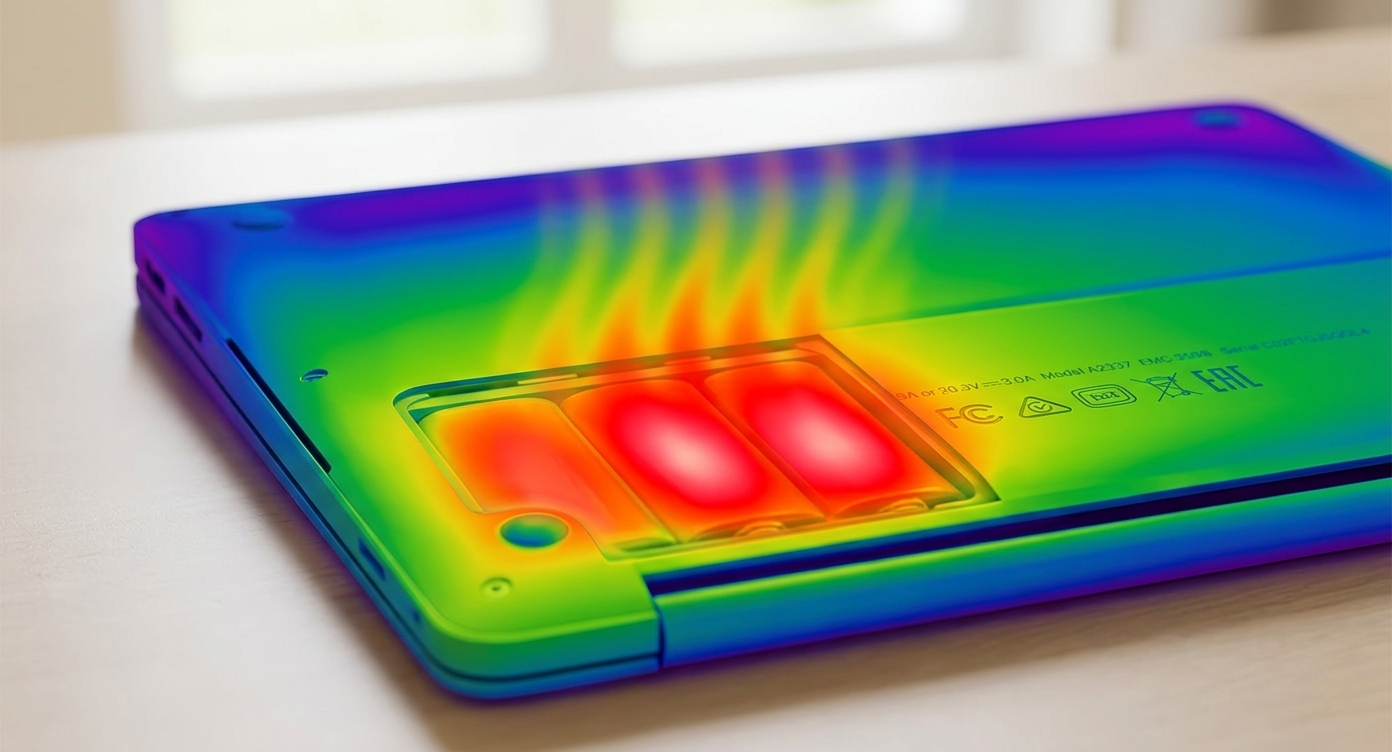
Heat Damage: Heat degrades lithium-ion chemistry rapidly. Charging for prolonged periods in a hot environment is harmful.
Deep Discharge: Using your laptop until the battery is almost dead (0%) stresses the cells.
Overcharging in High Heat: Keeping the laptop plugged in while it is already hot can lead to faster degradation.
Power-Hungry Apps: Certain applications run heavy processes in the background without your knowledge.
Extreme Temperatures: Exposure to extreme cold or heat significantly affects chemical stability.
Expert Tips to Extend Battery Life:
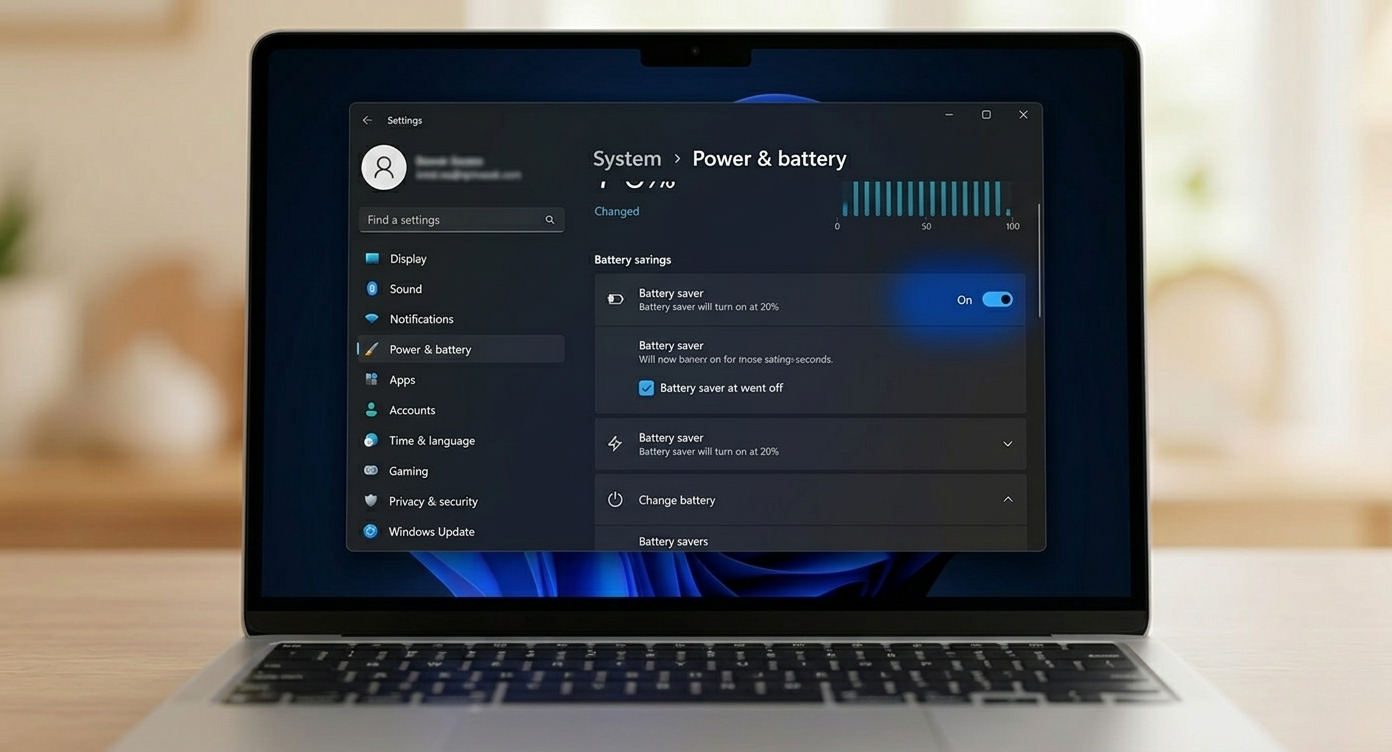
Enable Power Saver Mode: Adjust your settings to "Energy Efficient" mode when unplugged.
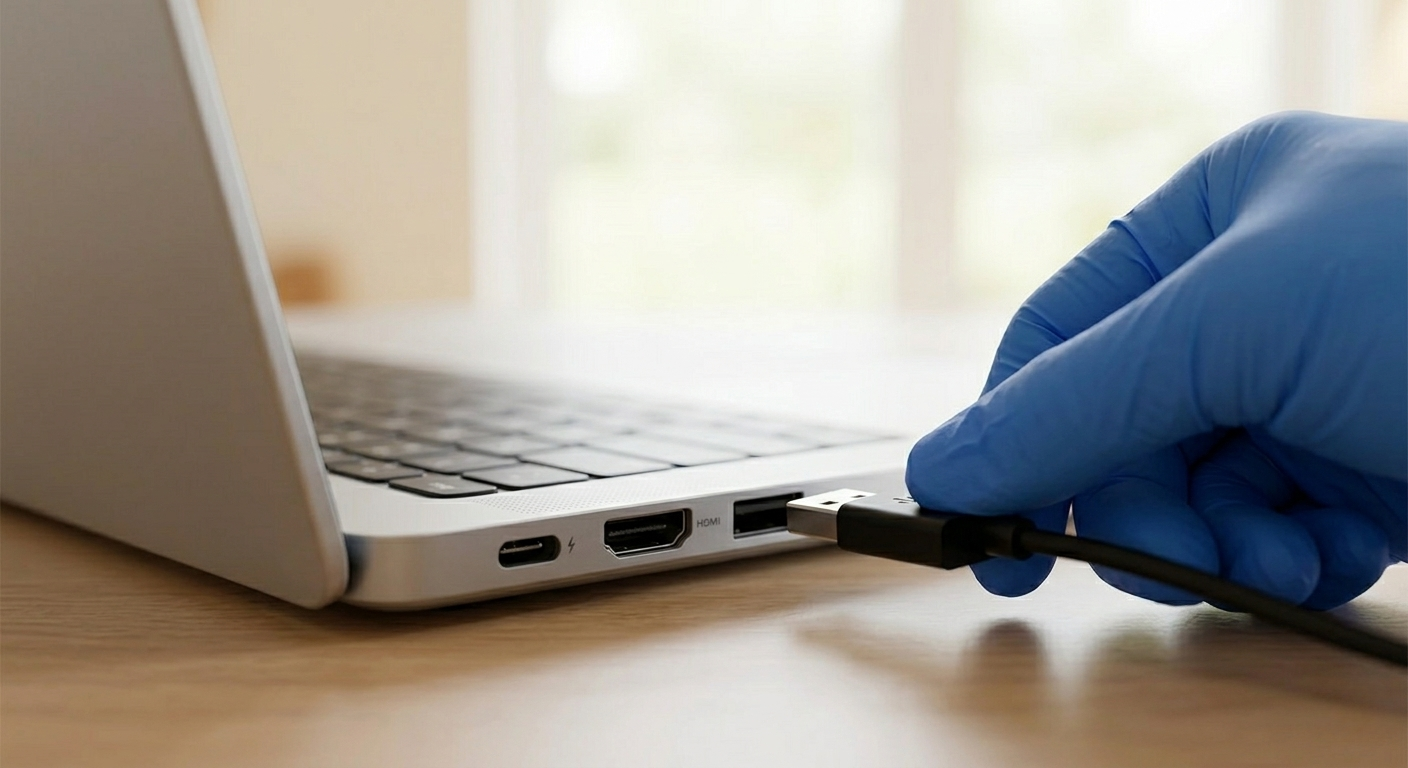
Disconnect Unused Peripherals: Remove USB drives or accessories when not in use.
Manage Background Tasks: Use the Task Manager (or Activity Monitor on Mac) to kill unnecessary processes and programs.