
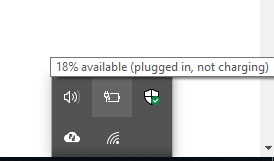
A laptop that keeps disconnecting from its power source is a common but frustrating issue. This problem usually stems from one of two things: a failing charger or a damaged charging port (DC Jack).
Is it the Charger or the Port? Often, the charger pin becomes "dislocated" or loose, requiring you to wiggle it or hold it at a certain angle to make it work. In other cases, the issue might be internal, such as a faulty Charging IC on the motherboard.
The Danger of Fake Chargers If you discover the charger is the culprit, be extremely careful when buying a replacement. Marketplaces are flooded with "fake" chargers that look identical to the original but lack proper voltage regulation.
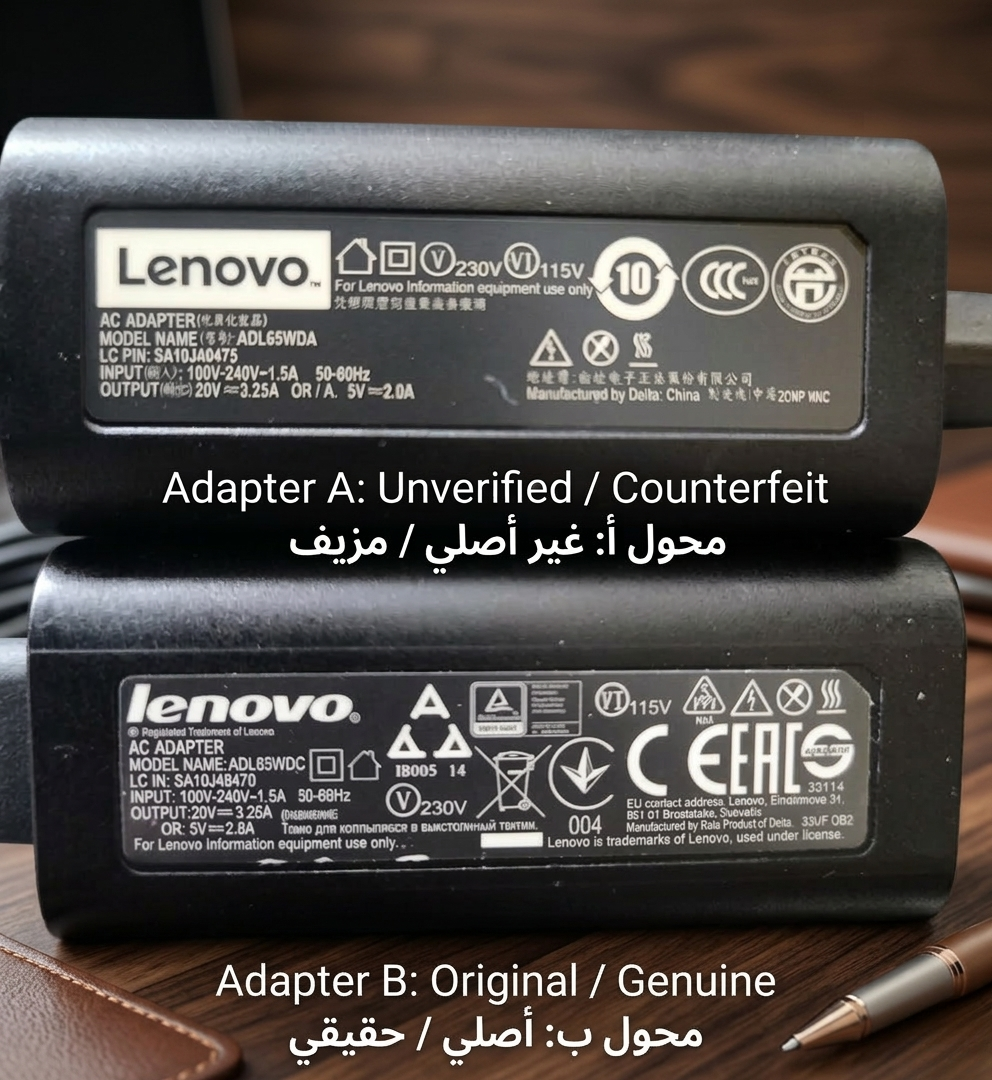
Even if it says "Original," low-quality components can cause errors and eventually destroy your battery or motherboard.
Our Advice:
While high-quality "replacement" chargers can work, they must match your laptop’s exact specifications. If a new charger doesn't solve the issue, it’s time for a professional diagnosis. Bring your laptop to our shop, and we will identify whether the fix is a simple part replacement or a technical repair on the motherboard.