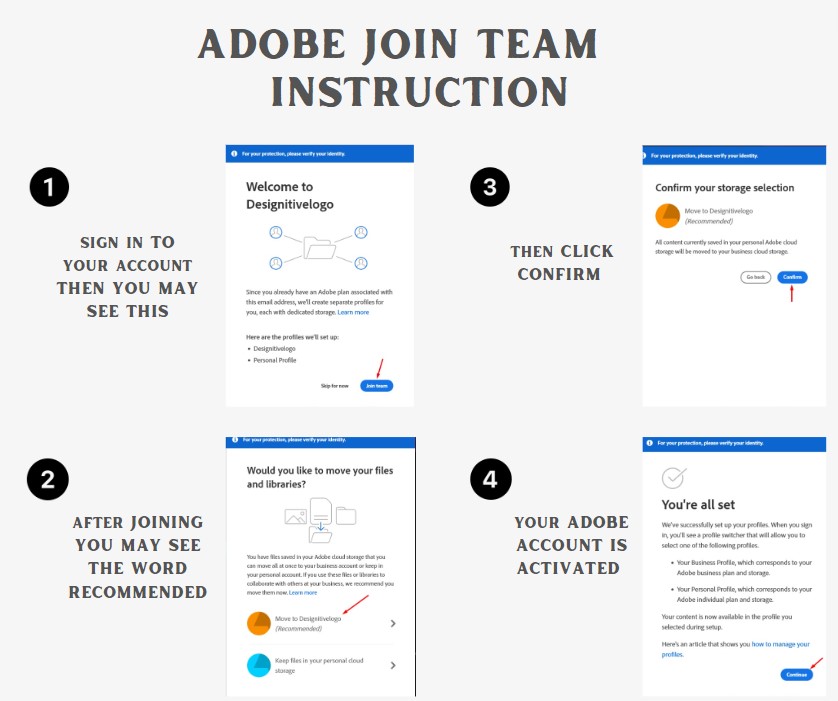
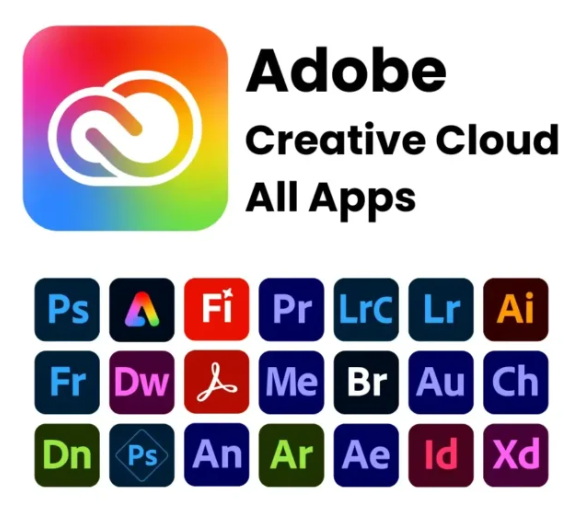
To access Adobe services, you must use the active account purchased through our store. Once the transaction is complete, we will grant you access via a Team Plan.
Activation Steps:
Email Notification: You will receive an official email from Adobe confirming that your email address has been activated.
Registration & Sign-In:
New Users: Follow the link in the email to complete your profile and register your account.
Existing Users: Simply sign in with your current credentials at Adobe.com.
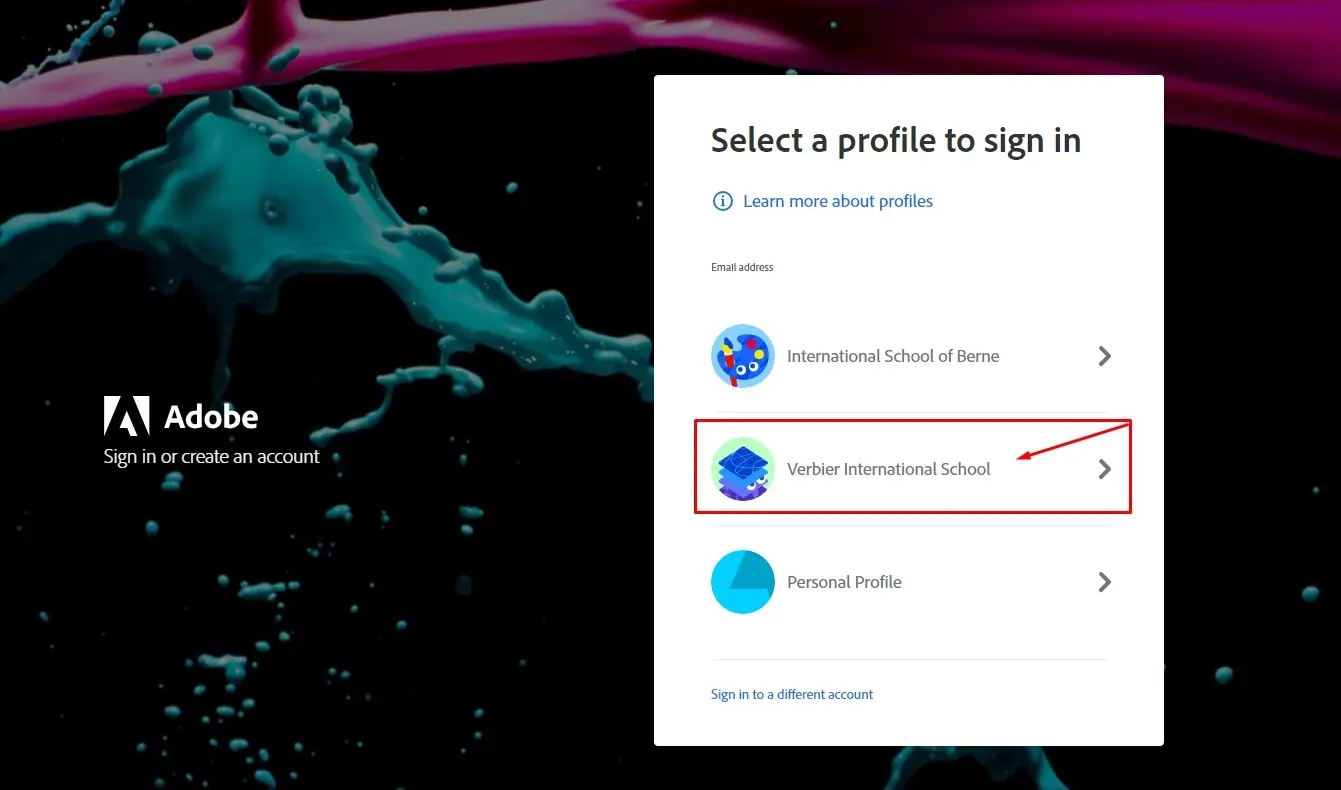
Joining the Team: After logging in, you will be prompted to join a "Team Plan". Click "Join" or select the team profile to unlock your subscription benefits.
You may see this image below. Click the team you may seen for you to join and access your account.
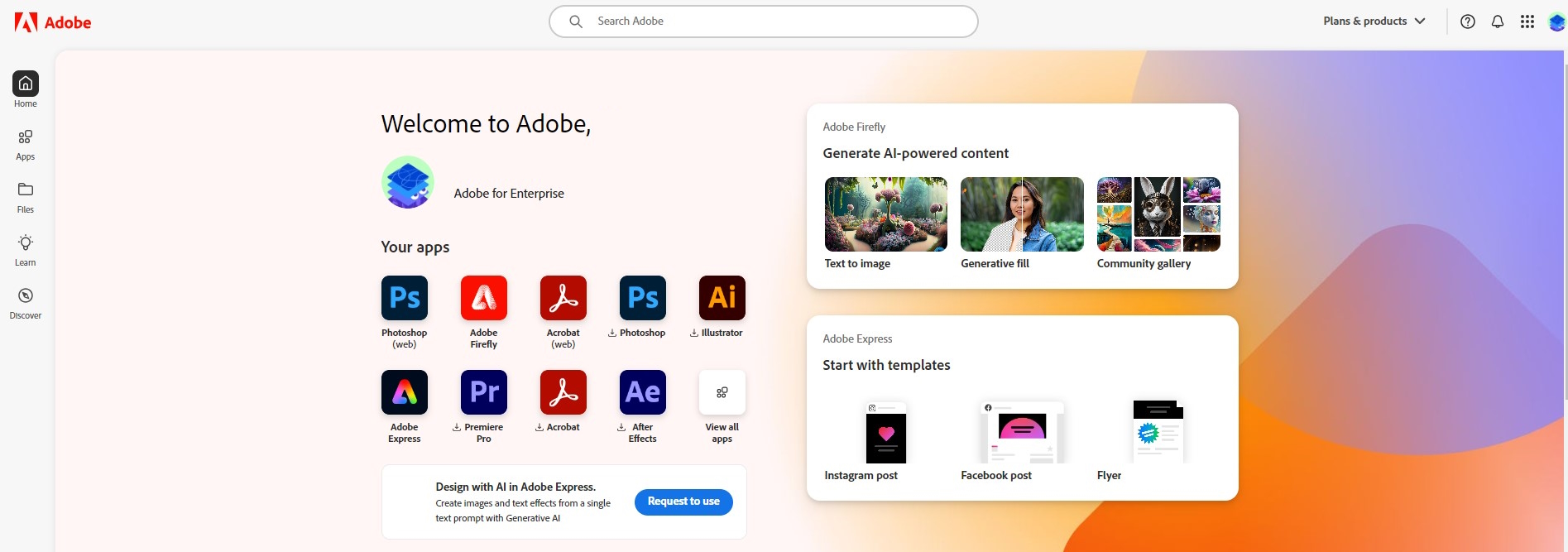
Download & Install: Once the setup is complete, your account will reflect the active status. You can now download and install your preferred Creative Cloud apps.
Technical Support:
The access interface may vary slightly depending on whether your account is newly registered or previously existing. If you encounter any issues during the process,
please reach out to us for immediate assistance.
For more guidelines here is the Instruction below: