
Skip to Content
  • الْعَرَبيّة English (US)
Data Recovery - Hex Tech
  • 0
    My Cart
  • Sign in
  • Home
  • Our Shop
  • Our Services
    • Services
    • Remote IT Support
    • Software -  Hardware Repair
    • Unlock Phone
  • Donor Drives
  • Submit your case!
  • Our Blog
  • About Us!
    • About Us
  • Help
    • Submit a Ticket
Data Recovery - Hex Tech
  • 0
    • Home
    • Our Shop
    • Our Services
      • Services
      • Remote IT Support
      • Software -  Hardware Repair
      • Unlock Phone
    • Donor Drives
    • Submit your case!
    • Our Blog
    • About Us!
      • About Us
    • Help
      • Submit a Ticket
  • الْعَرَبيّة English (US)
  • Sign in

HP Laptop Issues (Battery Failure & Hard Drive Detection)

  • All Blogs
  • Repair
  • HP Laptop Issues (Battery Failure & Hard Drive Detection)
  • October 2, 2024 by
    HP Laptop Issues (Battery Failure & Hard Drive Detection)
    Hex Technology
    | Updated on March 2026


    1. HP Laptop Battery Degradation

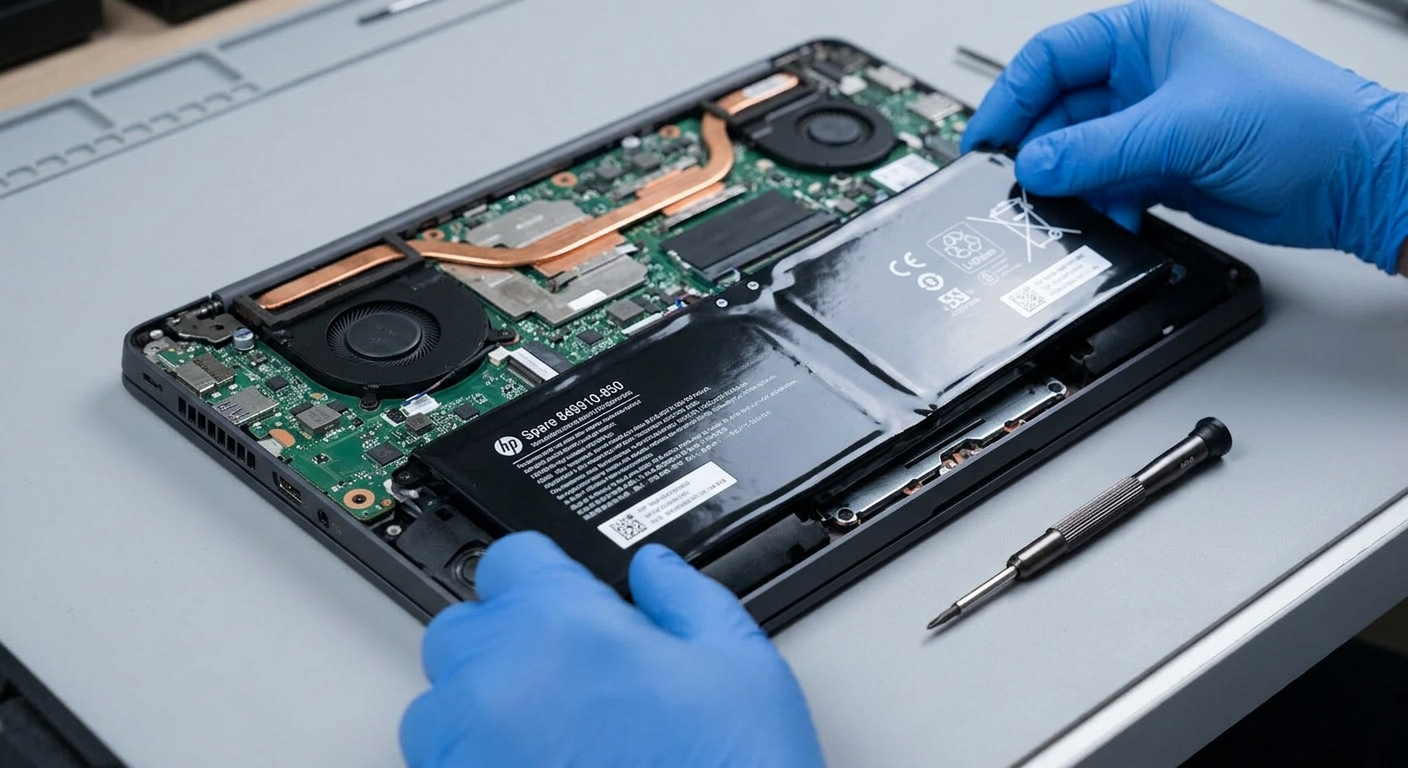
    Battery failure is a common issue that hampers portability. If your laptop cannot stay powered for at least an hour without a charger, the battery is likely faulty. This makes the laptop unreliable for work or school projects.

    Key Replacement Tips:

    • Use Original Batteries: Always opt for genuine parts to prevent electrical damage to the motherboard.

    • Identify the Model: Check the label on the bottom of your laptop for the specific model number. Providing this to the shop ensures you get a matching battery.

    • Initial Charge: After installing a new battery, charge it immediately for at least 2 hours or until it reaches 100%.


    2. Hard Drive Not Detected & Data Recovery

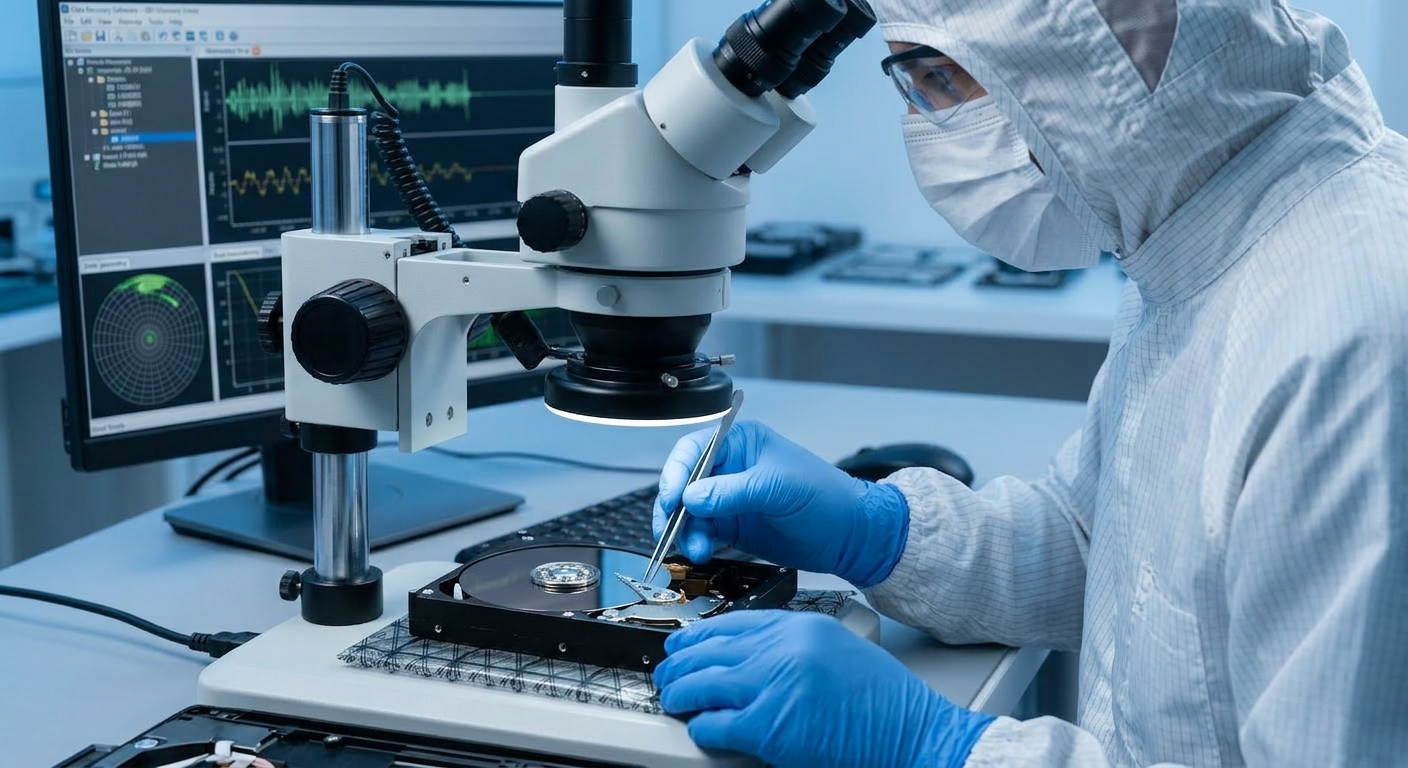
    A secondary hard drive used for backups may sometimes stop being detected by the system. This failure is usually categorized as either a software glitch or a physical hardware malfunction.

    The Solution: Professional Data Recovery If the drive contains critical files, your best course of action is Professional Data Recovery. Experts at recovery centers can handle faulty drives using specialized equipment. If your data is valuable, do not delay—attempting to "revive" a failing drive yourself may lead to permanent data loss.

    in Repair
    HP Laptop Issues (Battery Failure & Hard Drive Detection)
    Hex Technology October 2, 2024
    Our blogs
    • ​Software
    • Support
    • Tips and Tricks
    • Repair
    • New
    • Data Recovery
    • Our blog
    Sign in to leave a comment
    Useful Links
    • Home
    • Products
    • Services
    • Terms & Conditions
    Get In Touch ..
    • Contact us
    • info@hex.technology
    • +973 33217825
    • 📍   https://maps.app.goo.gl/UMda5YMLWfqVYQTN8

    Follow us
    Copyright © 2026 Hex Technology
    الْعَرَبيّة | English (US)
    Powered by Odoo - Hex Technology Data Recovery Bahrain