
Skip to Content
  • الْعَرَبيّة English (US)
Data Recovery - Hex Tech
  • 0
    My Cart
  • Sign in
  • Home
  • Our Shop
  • Our Services
    • Services
    • Remote IT Support
    • Software -  Hardware Repair
    • Unlock Phone
  • Donor Drives
  • Submit your case!
  • Our Blog
  • About Us!
    • About Us
  • Help
    • Submit a Ticket
Data Recovery - Hex Tech
  • 0
    • Home
    • Our Shop
    • Our Services
      • Services
      • Remote IT Support
      • Software -  Hardware Repair
      • Unlock Phone
    • Donor Drives
    • Submit your case!
    • Our Blog
    • About Us!
      • About Us
    • Help
      • Submit a Ticket
  • الْعَرَبيّة English (US)
  • Sign in

MacBook Liquid Damage Repair

-Emergency Guide -
  • All Blogs
  • Repair
  • MacBook Liquid Damage Repair
  • July 9, 2024 by
    MacBook Liquid Damage Repair
    Hex Technology
    | Updated on March 2026

        ​ 

    Act Fast to Save Your MacBook!

    A MacBook is a premium investment, valued for its performance and portability. However, accidental liquid spills on the keyboard can be devastating.

    Immediate Steps: If a spill occurs, do not wait. Pat the exterior dry immediately and bring it to a professional repair shop. Every minute counts to prevent the liquid from reaching the motherboard and causing irreversible corrosion.
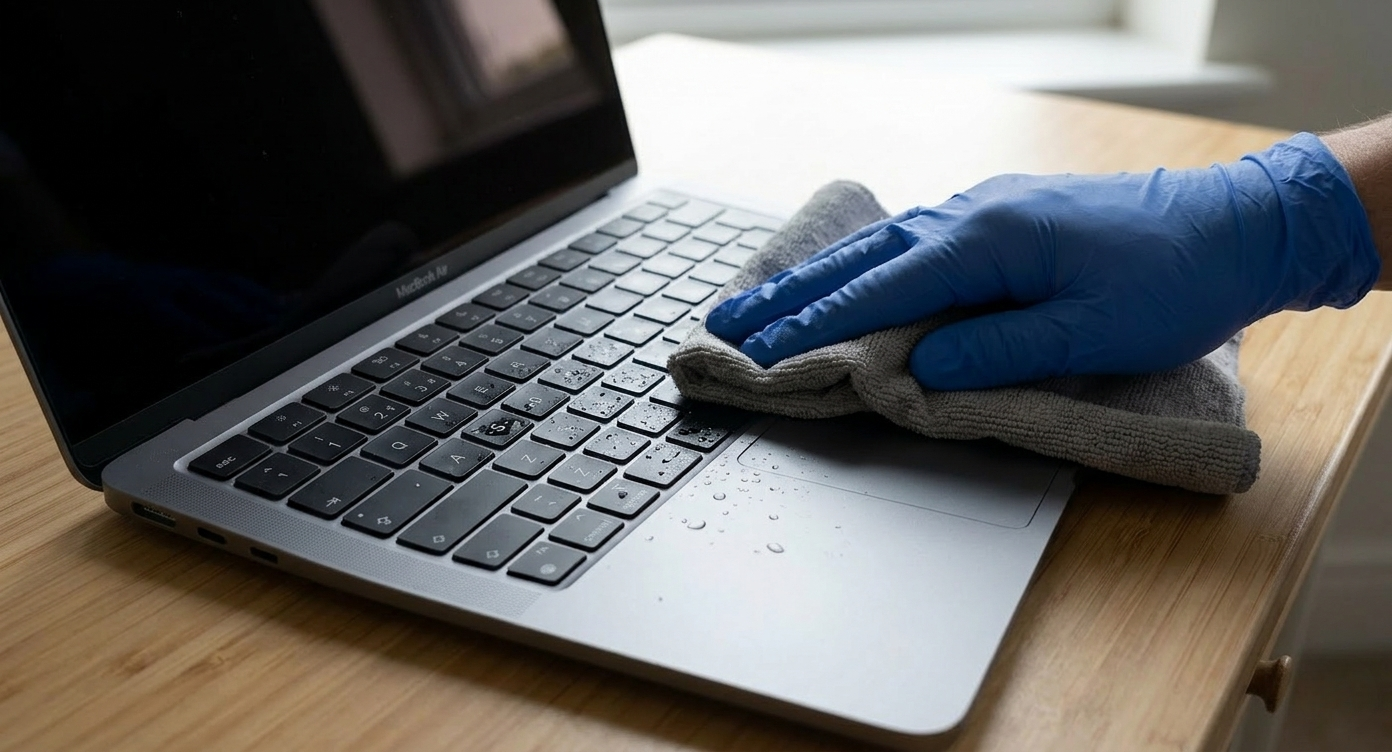

    Symptoms of Liquid Damage:

    After a spill, you might notice:

    • Keyboard Issues: Sticky keys, non-responsive buttons, or ghost typing.

    • Motherboard Corrosion: Liquid creates rust on delicate circuits, leading to short circuits.

    • System Failures: Operating System (OS) errors or failure to boot up.
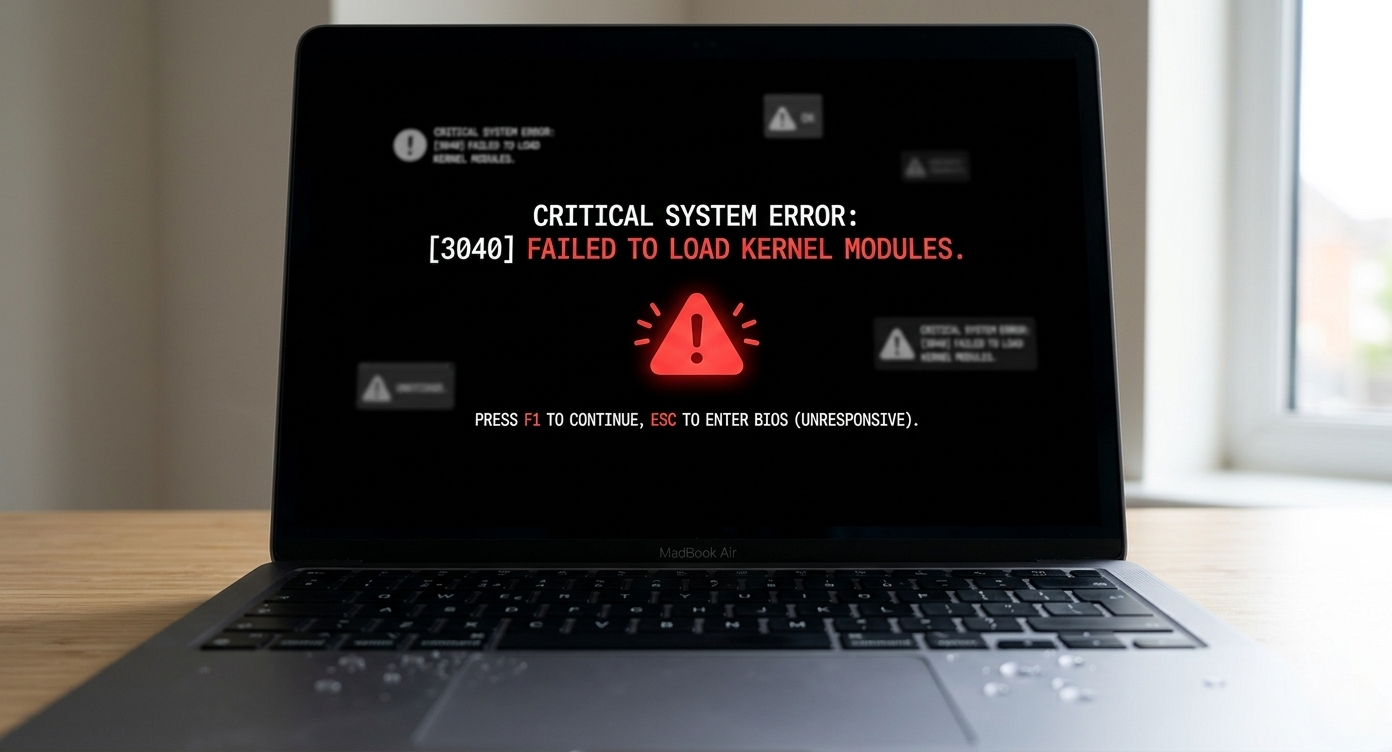

    Our Professional Repair Process:

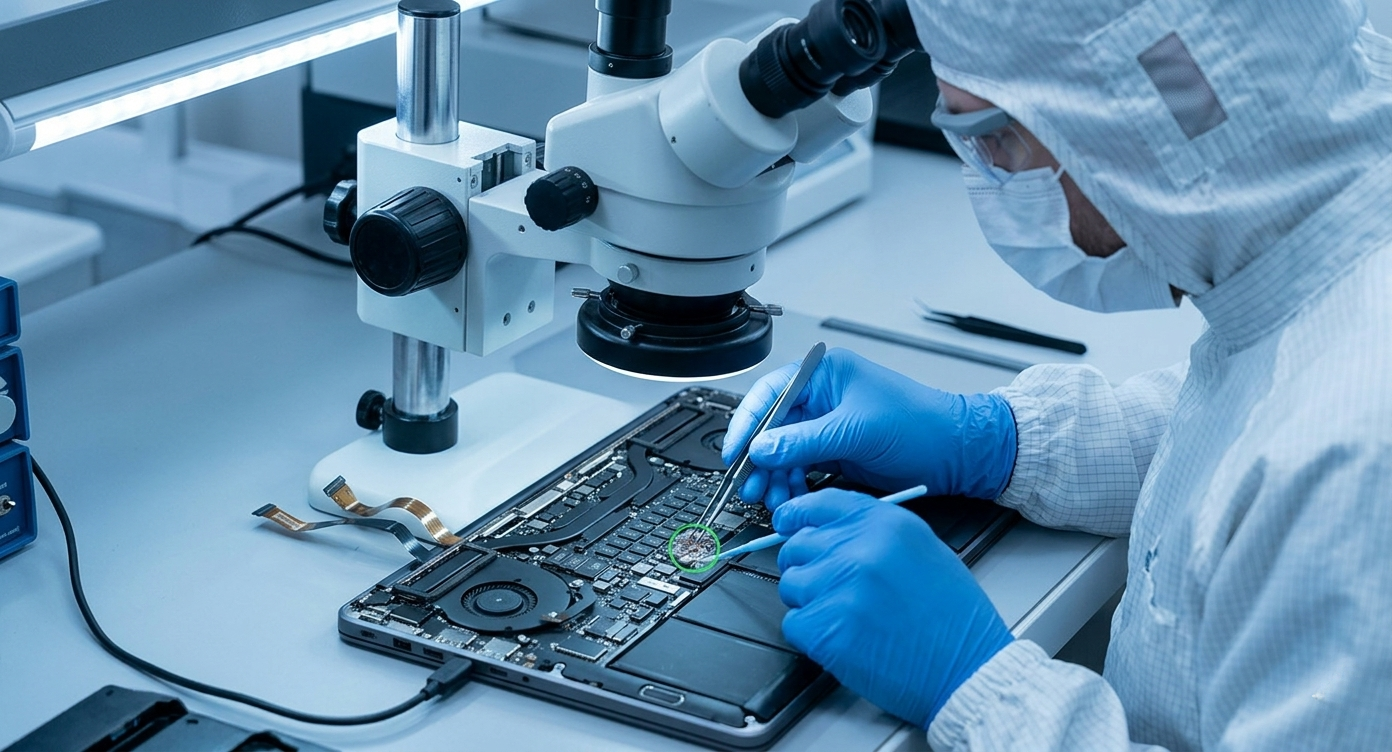
    We use specialized cleaning agents to treat liquid damage, ensuring your device is free from moisture and electricity-blocking residue.

    • Motherboard Cleaning: Crucial to prevent long-term electricity problems and rust.

    • System Diagnostic: Checking if the software issues were caused by hardware shorts.

    • Keyboard Replacement: If cleaning doesn't restore full functionality, a keyboard replacement may be necessary to ensure reliability.
    in Repair
    MacBook Liquid Damage Repair
    Hex Technology July 9, 2024
    Our blogs
    • ​Software
    • Support
    • Tips and Tricks
    • Repair
    • New
    • Data Recovery
    • Our blog
    Sign in to leave a comment
    Useful Links
    • Home
    • Products
    • Services
    • Terms & Conditions
    Get In Touch ..
    • Contact us
    • info@hex.technology
    • +973 33217825
    • 📍   https://maps.app.goo.gl/UMda5YMLWfqVYQTN8

    Follow us
    Copyright © 2026 Hex Technology
    الْعَرَبيّة | English (US)
    Powered by Odoo - Hex Technology Data Recovery Bahrain