
Skip to Content
  • ุงู„ู’ุนูŽุฑูŽุจูŠู‘ุฉ English (US)
Data Recovery - Hex Tech
  • 0
    My Cart
  • Sign in
  • Home
  • Our Shop
  • Our Services
    • Services
    • Remote IT Support
    • Software -ย  Hardware Repair
    • Unlock Phone
  • Donor Drives
  • Submit your case!
  • Our Blog
  • About Us!
    • About Us
  • Help
    • Submit a Ticket
Data Recovery - Hex Tech
  • 0
    • Home
    • Our Shop
    • Our Services
      • Services
      • Remote IT Support
      • Software -ย  Hardware Repair
      • Unlock Phone
    • Donor Drives
    • Submit your case!
    • Our Blog
    • About Us!
      • About Us
    • Help
      • Submit a Ticket
  • ุงู„ู’ุนูŽุฑูŽุจูŠู‘ุฉ English (US)
  • Sign in

๐Ÿš€ Microsoft Office Original Product Key & Activation Guide

  • All Blogs
  • โ€‹Software
  • ๐Ÿš€ Microsoft Office Original Product Key & Activation Guide
  • June 5, 2024 by
    ๐Ÿš€ Microsoft Office Original Product Key & Activation Guide
    Hex Technology
    | Updated on March 2026

    โ€‹Whether you are a student, a professional, or a business owner, having a genuine Microsoft Office suite is essential for your daily tasks. Get your Original Product Key today and enjoy a seamless, secure experience.
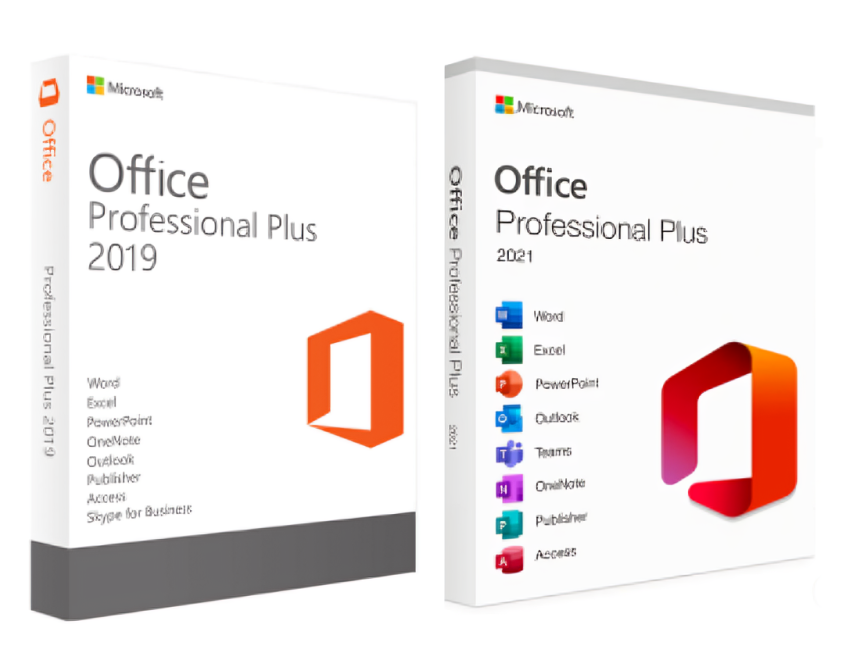

    ๐Ÿ“ฅ Step 1:ย  Download & Install

    If you don't have Office installed yet, use the official Microsoft retail links below. Simply copy and paste the link into your browser to begin the download:

    • Microsoft Office Pro Plus 2021: Download Link

    • Microsoft Office Pro Plus 2019: Download Link
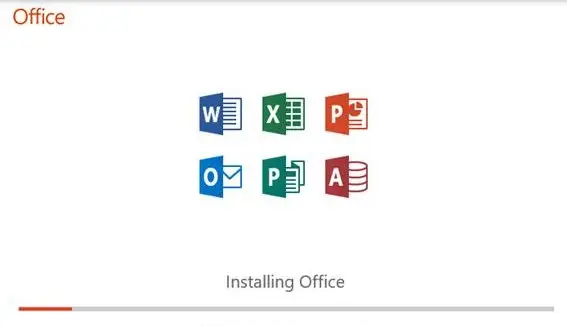

    ๐Ÿ”‘ Step 2: Activation Policy & Warranty

    To ensure a smooth activation, please keep the following points in mind:

    • Lifetime Activation: Our keys provide lifetime access for a single installation.

    • One-Time Use: These keys are for one-time activation. If you format your PC, you will need a new key.

    • Activation Warranty: For bulk keys (e.g., 5-PC keys), the activation warranty is valid for 5 days.

    • Important: We recommend activating your product immediately after purchase. If you encounter any errors during the first 5 days, our team will provide full support or a replacement.


    ๐Ÿ› ๏ธ Step 3: How to Reactivate or Change License?

    If you already have Office installed and see an "Activation Required" message, follow these steps:
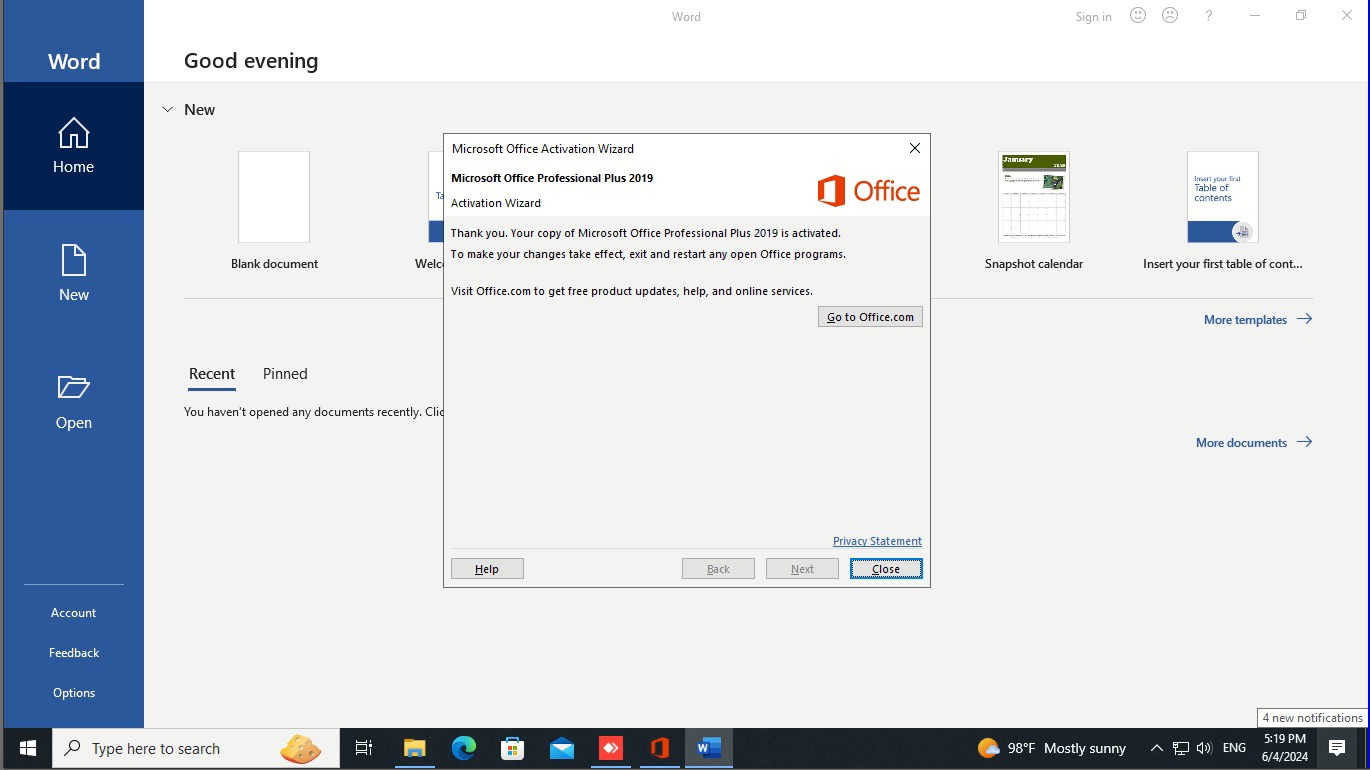
    1. Open any Office app (like Word) and click on Account.

    2. Select Change Product Key or Switch License.

    3. Enter the digital key you purchased from us.

    4. Wait for the process to complete, then restart the application.


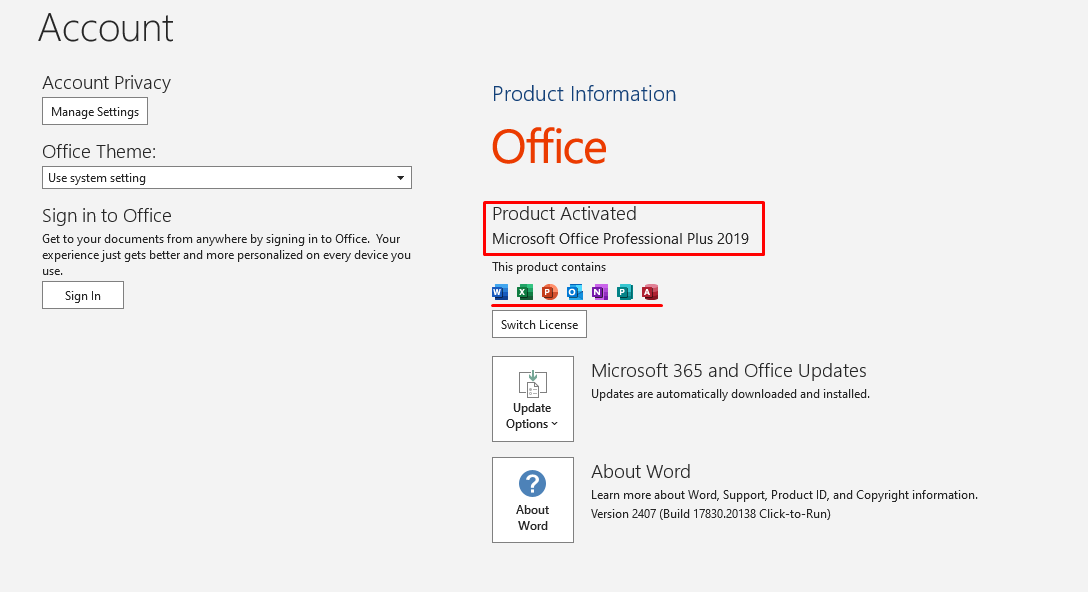
    โœ… Step 4: Verification

    After activation, always check your account status to ensure the license is correctly applied. It should look like this:

    Buy Now!

    Need Help? Contact Us Today


    in โ€‹Software
    ๐Ÿš€ Microsoft Office Original Product Key & Activation Guide
    Hex Technology June 5, 2024
    Our blogs
    • โ€‹Software
    • Support
    • Tips and Tricks
    • Repair
    • New
    • Data Recovery
    • Our blog
    Sign in to leave a comment
    Useful Links
    • Home
    • Products
    • Services
    • Terms & Conditions
    Get In Touch ..
    • Contact us
    • info@hex.technology
    • +973 33217825
    • ๐Ÿ“   https://maps.app.goo.gl/UMda5YMLWfqVYQTN8

    Follow us
    Copyright ยฉ 2026 Hex Technology
    ุงู„ู’ุนูŽุฑูŽุจูŠู‘ุฉ | English (US)
    Powered by Odoo - Hex Technology Data Recovery Bahrain