
If your MacBook battery drains rapidly, it is likely time for a replacement. Performance issues are usually easy to spot if you look for these signs:
Charging Delays: It takes many hours to reach 100%.
Rapid Discharge: The percentage drops significantly shortly after unplugging.
Power Dependency: The MacBook only stays powered on while connected to the AC adapter.
How to Find the Exact Battery Model
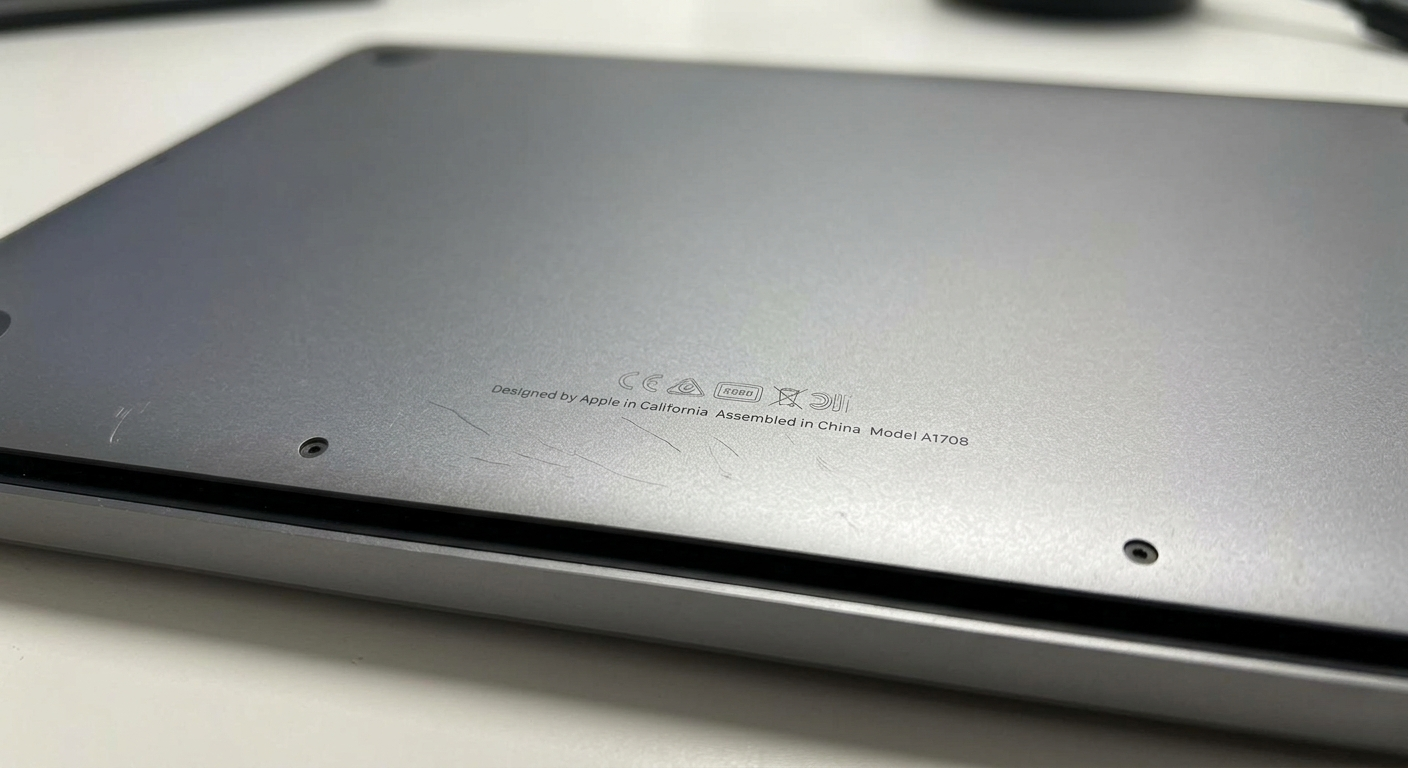
To ensure you purchase the correct battery or spare parts, you must identify your MacBook's specific Model Number. This number is engraved on the back (underside) of the laptop case. It typically starts with the letter A followed by four digits (e.g., A1502).
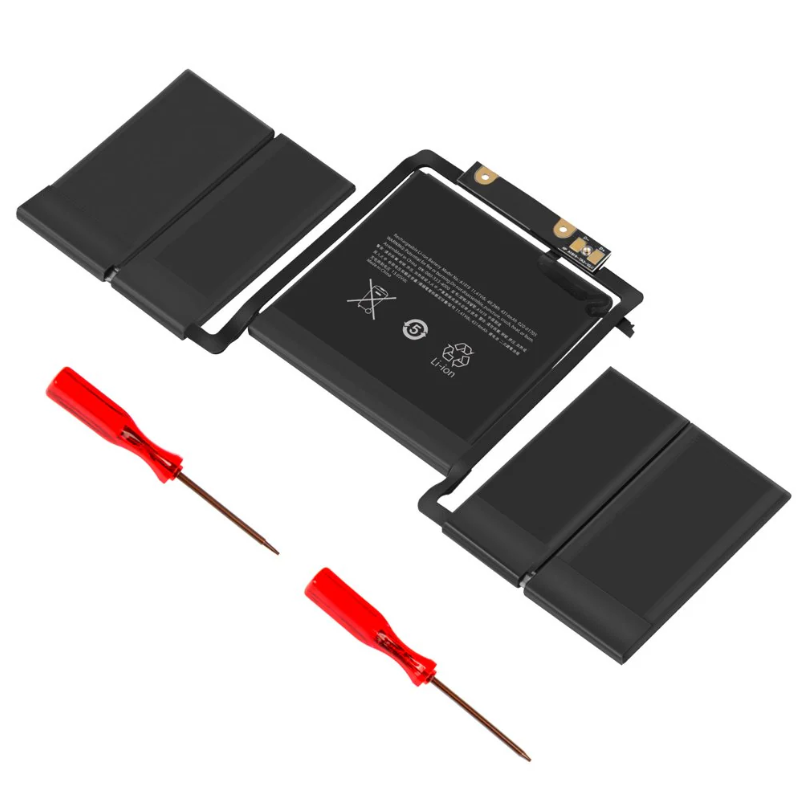
Case Study: Battery Failure Example
In a recent test, a MacBook was charged for 4 hours. After being shut down and left idle for just one hour, the battery percentage dropped by half upon restarting. This confirms the battery can no longer hold a charge efficiently. Replacing it with a new one will allow you to work hassle-free without being tethered to a wall outlet.