
Skip to Content
  • الْعَرَبيّة English (US)
Data Recovery - Hex Tech
  • 0
    My Cart
  • Sign in
  • Home
  • Our Shop
  • Our Services
    • Services
    • Remote IT Support
    • Software -  Hardware Repair
    • Unlock Phone
  • Donor Drives
  • Submit your case!
  • Our Blog
  • About Us!
    • About Us
  • Help
    • Submit a Ticket
Data Recovery - Hex Tech
  • 0
    • Home
    • Our Shop
    • Our Services
      • Services
      • Remote IT Support
      • Software -  Hardware Repair
      • Unlock Phone
    • Donor Drives
    • Submit your case!
    • Our Blog
    • About Us!
      • About Us
    • Help
      • Submit a Ticket
  • الْعَرَبيّة English (US)
  • Sign in

Identifying a Failing MacBook Battery!

  • All Blogs
  • Repair
  • Identifying a Failing MacBook Battery!
  • October 2, 2024 by
    Identifying a Failing MacBook Battery!
    Hex Technology
    | Updated on March 2026


    If your MacBook battery drains rapidly, it is likely time for a replacement. Performance issues are usually easy to spot if you look for these signs:

    • Charging Delays: It takes many hours to reach 100%.

    • Rapid Discharge: The percentage drops significantly shortly after unplugging.

    • Power Dependency: The MacBook only stays powered on while connected to the AC adapter.

    How to Find the Exact Battery Model

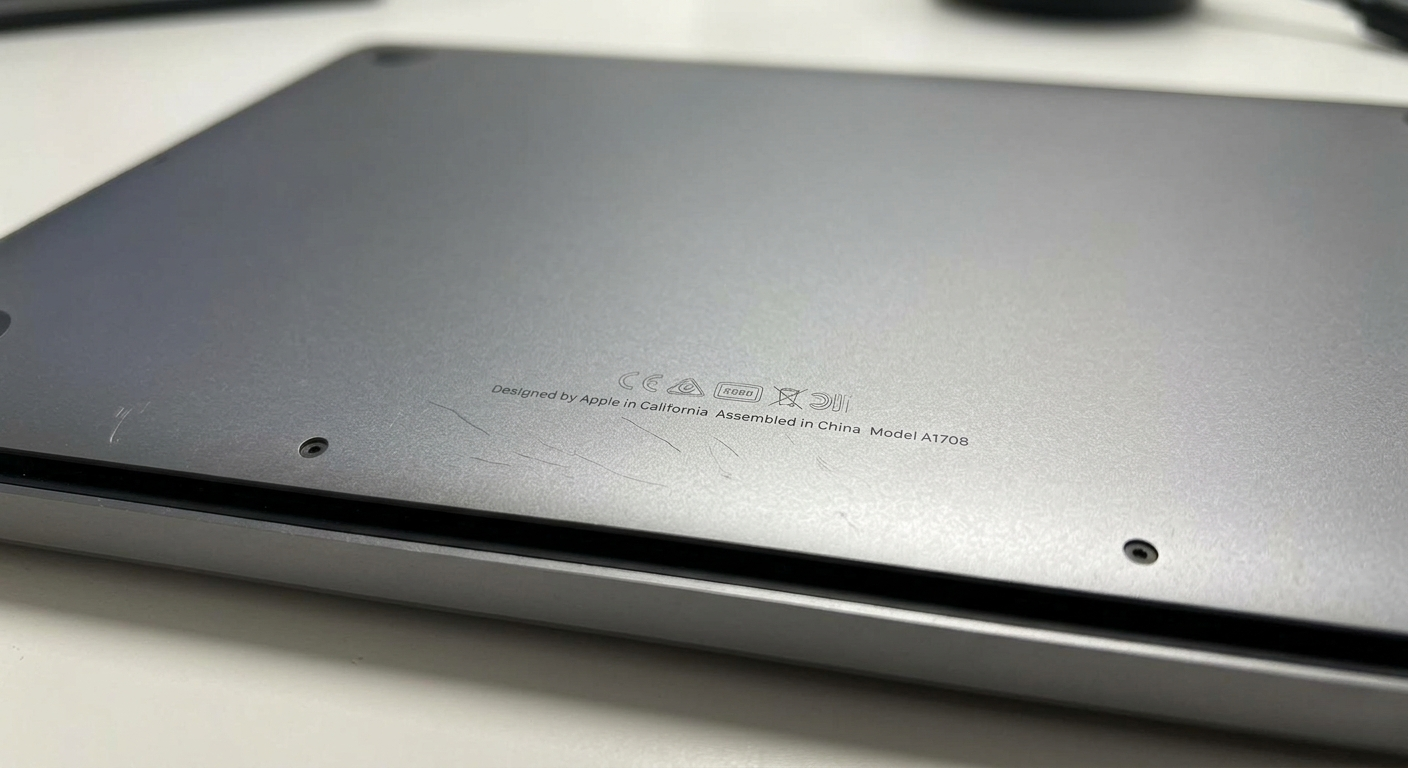
    To ensure you purchase the correct battery or spare parts, you must identify your MacBook's specific Model Number. This number is engraved on the back (underside) of the laptop case. It typically starts with the letter A followed by four digits (e.g., A1502).
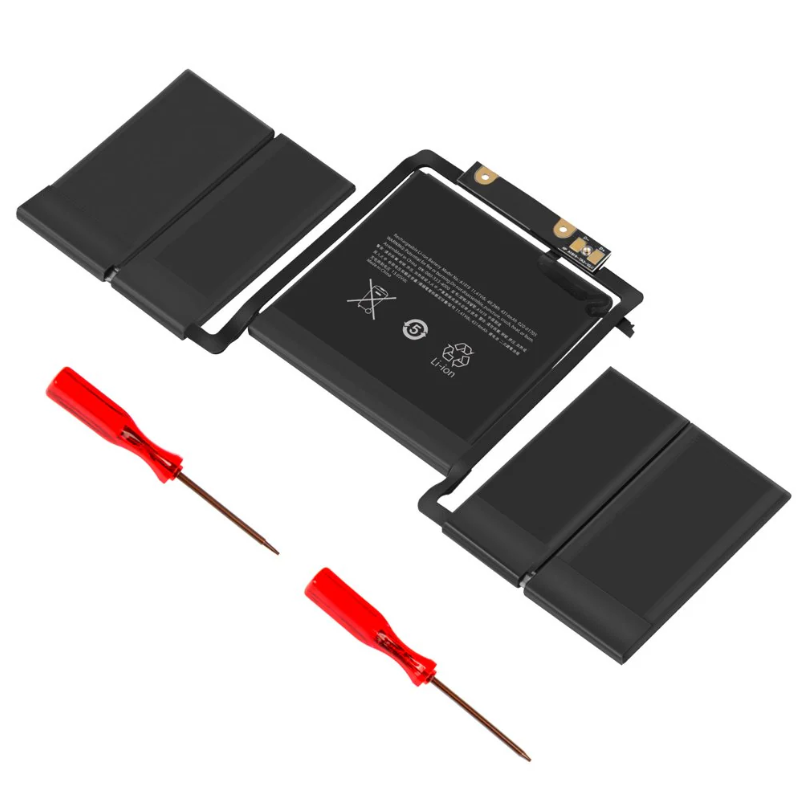
    Case Study: Battery Failure Example

    In a recent test, a MacBook was charged for 4 hours. After being shut down and left idle for just one hour, the battery percentage dropped by half upon restarting. This confirms the battery can no longer hold a charge efficiently. Replacing it with a new one will allow you to work hassle-free without being tethered to a wall outlet.


    in Repair
    Identifying a Failing MacBook Battery!
    Hex Technology October 2, 2024
    Our blogs
    • ​Software
    • Support
    • Tips and Tricks
    • Repair
    • New
    • Data Recovery
    • Our blog
    Sign in to leave a comment
    Useful Links
    • Home
    • Products
    • Services
    • Terms & Conditions
    Get In Touch ..
    • Contact us
    • info@hex.technology
    • +973 33217825
    • 📍   https://maps.app.goo.gl/UMda5YMLWfqVYQTN8

    Follow us
    Copyright © 2026 Hex Technology
    الْعَرَبيّة | English (US)
    Powered by Odoo - Hex Technology Data Recovery Bahrain