
تتميز أقراص الـ SSD بأدائها الفائق وسرعتها العالية، ولكنها تتعامل مع حذف البيانات بطريقة مختلفة تماماً عن الأقراص الصلبة التقليدية (HDD).
التحدي التقني: لماذا تختلف أقراص SSD؟
Dبسبب ميزة مدمجة تُعرف باسم TRIM، يقوم قرص الـ SSD بمسح البيانات المحذوفة بشكل استباقي للحفاظ على سرعته العالية. بمجرد قيامك بحذف ملف أو إعادة تهيئة القرص (Format)، فإن البيانات قد تظل قابلة للاسترداد لفترة زمنية قصيرة جداً — غالباً ما تكون أقل من 24 ساعة. بعد ذلك، يقوم القرص بمسح خلايا التخزين نهائياً، مما يجعل استعادة البيانات أمراً شبه مستحيل.
إجراءات فورية يجب اتخاذها:
إذا أدركت أنك حذفت ملفات مهمة بالخطأ، اتبع ما يلي فوراً:
توقف عن استخدام الجهاز: في كل ثانية يظل فيها الكمبيوتر قيد التشغيل، قد يقوم النظام بالكتابة فوق بياناتك المفقودة ويمسحها نهائياً.
اطلب المساعدة الاحترافية: تعد عملية استعادة البيانات من أقراص الـ SSD معقدة للغاية. وعلى الرغم من أننا لا يمكننا ضمان معدل استرداد بنسبة 100%، إلا أن فريقنا يستخدم أدوات متخصصة لرفع فرص النجاح إلى حدها الأقصى.
التشخيص عن بُعد: يمكننا تزويدك بتقييم أولي لحالة القرص عبر برنامج AnyDesk Link.
معلومات نحتاج لمعرفتها منك:
لمساعدتك بشكل أفضل وأسرع، يرجى تزويدنا بالتفاصيل التالية:
الطريقة الدقيقة التي تم بها الحذف (حذف يدوي أم إعادة تهيئة/Format).
المسار أو الموقع الأصلي للملفات المحذوفة.
كم ساعة أو يوماً مضى على عملية الحذف.
نصيحتنا الذهبية:
لقد صُنعت أقراص الـ SSD من أجل السرعة، وليس لتخزين البيانات على المدى الطويل في نسخة واحدة منفردة. احرص دائماً على الاحتفاظ بنسخة احتياطية ثانوية؛ فلا تعتمد على نسخة واحدة، فوجود نسختين احتياطيتين أفضل بكثير.
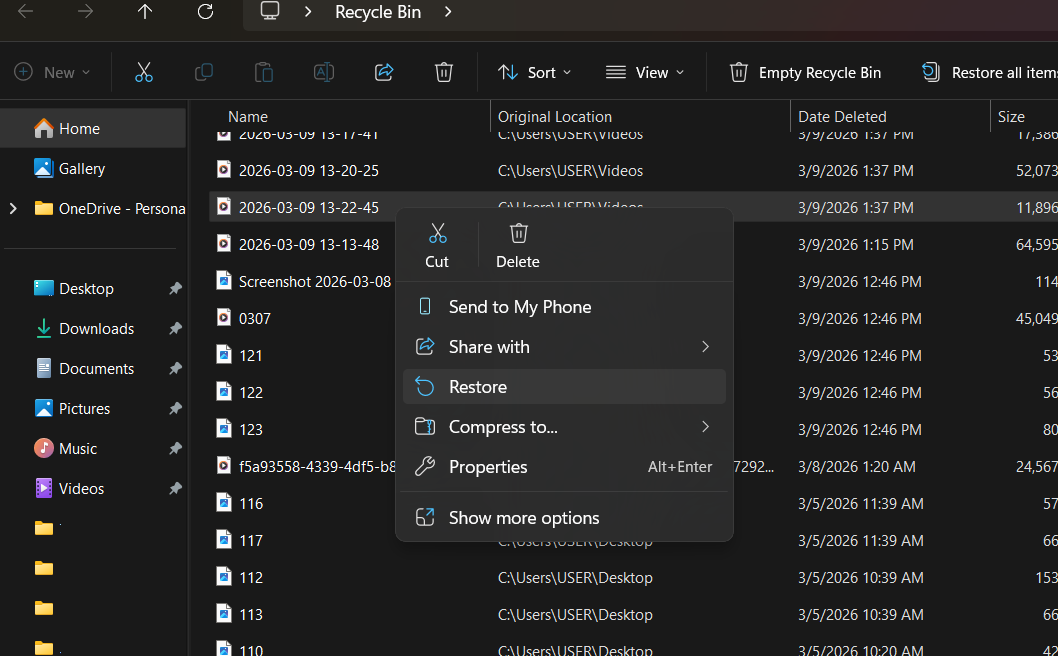
إن استعادة الملفات المحذوفة من أقراص الـ SSD هي سباق حقيقي ضد الزمن؛ بسبب العمليات الخلفية للنظام مثل ميزة TRIM التي قد تمحو البيانات نهائياً.
ونحن في هيكس تكنولوجي، ندرك تماماً مدى عامل الوقت؛ لذا نستخدم أدوات تشخيصية متطورة مصممة خصيصاً لذواكر تخزين فلاش (NAND Flash) لتجاوز هذه العقبات. وقبل أن تخاطر بتجربة أي حلول عشوائية بنفسك قد تؤدي إلى الكتابة فوق ملفاتك، دع خبراءنا يفحصون القرص الخاص بك.
تفضل بزيارتنا في البحرين اليوم للحصول على تجربة احترافية ومتكاملة؛ حيث نوفر لك الخبرة المتخصصة اللازمة لمنح بياناتك المفقودة أفضل فرصة ممكنة للاستعادة قبل أن تختفي للأبد.