
SSD drives are excellent for system performance, but they handle data deletion very differently than traditional hard drives.
The Technical Challenge: Why SSDs are Different
Due to a feature called TRIM, an SSD proactively clears deleted data to maintain high speeds. Once you delete a file or format the drive, the data may only remain recoverable for a very short window—often less than 24 hours. After that, the drive permanently wipes the cells, making recovery nearly impossible.
Immediate Action Required:
If you realize you've accidentally deleted important files:
Stop Using the Device: Every second the computer stays on, the system might permanently overwrite your lost data.
Seek Professional Help: Data recovery from SSDs is highly complex. While we cannot guarantee a 100% recovery rate, our team uses specialized tools to maximize the chances of success.
Remote Diagnosis: We can provide an initial assessment via AnyDesk. Access the tool here: AnyDesk Link.
What We Need to Know:
To assist you better, please provide the following details:
The exact method of deletion (Manual delete or Formatting).
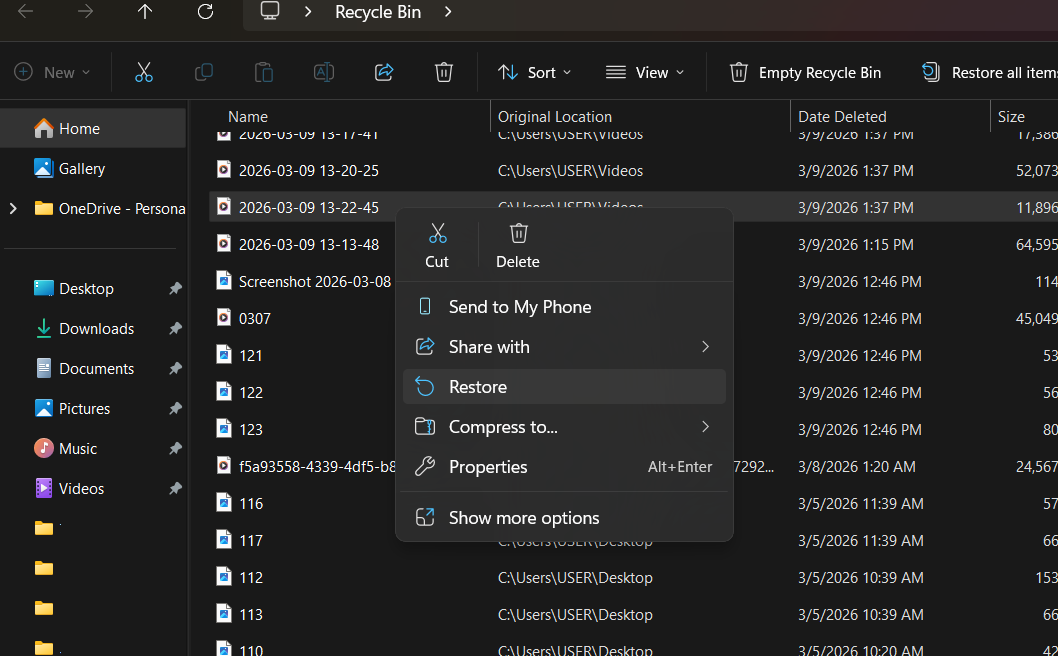
The original location of the files.
How many hours/days have passed since the deletion.
Our Recommendation:
SSDs are built for speed, not for long-term safe storage of single-copy data. Always maintain a secondary backup. Don't rely on one; having two backups is much better.
Recovering deleted files from an SSD is a race against time due to background processes like TRIM that can permanently erase data. At Hex Technology, we understand the urgency and use advanced diagnostic tools specifically designed for NAND flash storage to bypass these hurdles. Before you attempt any DIY fixes that might overwrite your files, let our experts assess your drive.
Visit us in Bahrain today for a professional and seamless experience; we provide the specialized expertise needed to give your lost data its best chance of recovery before it’s gone for good.