
Enjoy peace of mind with the Microsoft Office 2021 Pro Plus Bind Key. Unlike standard keys, this license links directly to your Microsoft email account, ensuring you never lose your access—even if you format your PC or switch to a new laptop.
Why Choose a Bind Key?
Lifetime Access: Pay once, use forever.
Device Flexibility: Easily reactivate your Office on a new device by simply logging into your account.
Secure & Official: Linked directly to your personal or professional Microsoft ID.
How to Activate Your Key
(Step-by-Step)
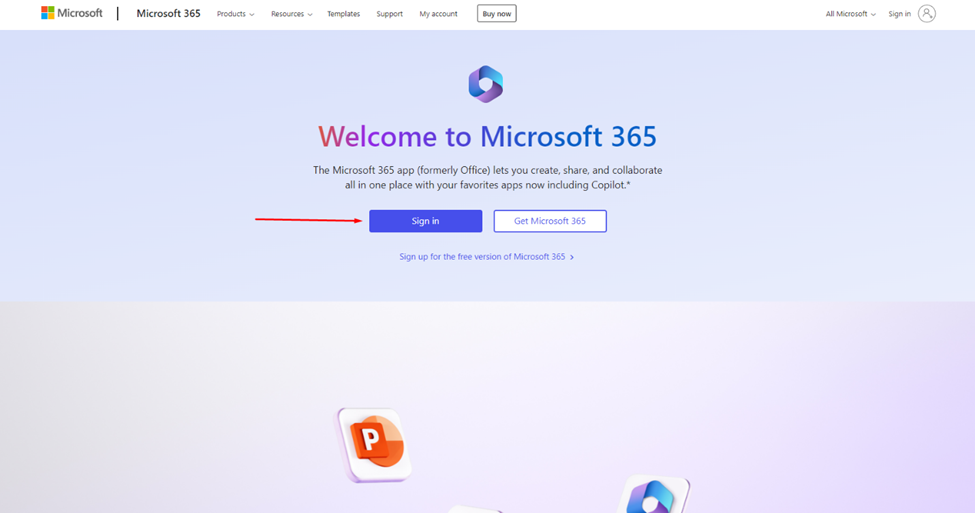
Step 1: Prepare Your Account
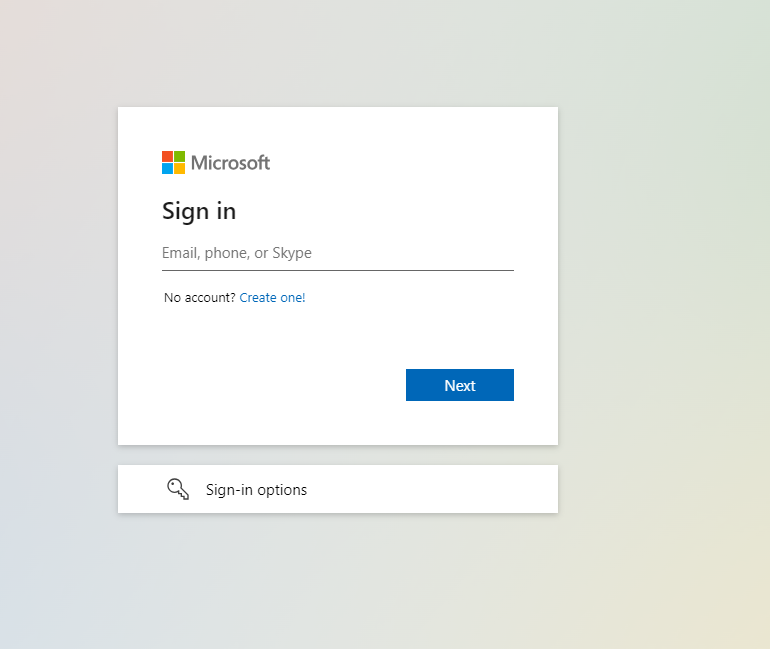
You must have a registered Microsoft email. If you don’t have one, create it here: Office.com.
If you already have one, simply sign in.

Step 2: Redeem Your Key
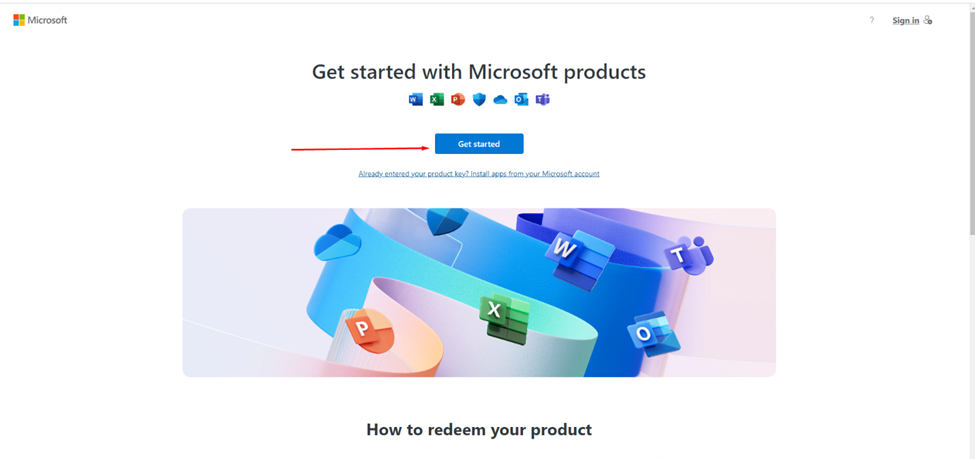
Go to setup.office.com and enter the product key you purchased from us.
Step 3: Confirm and Bind
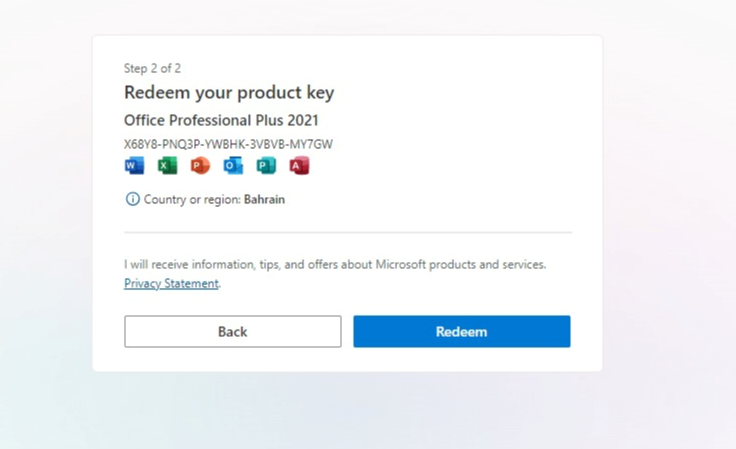
Once you enter the key, you will see a confirmation message. Click Redeem to permanently link the product to your email.

Step 4: Installation
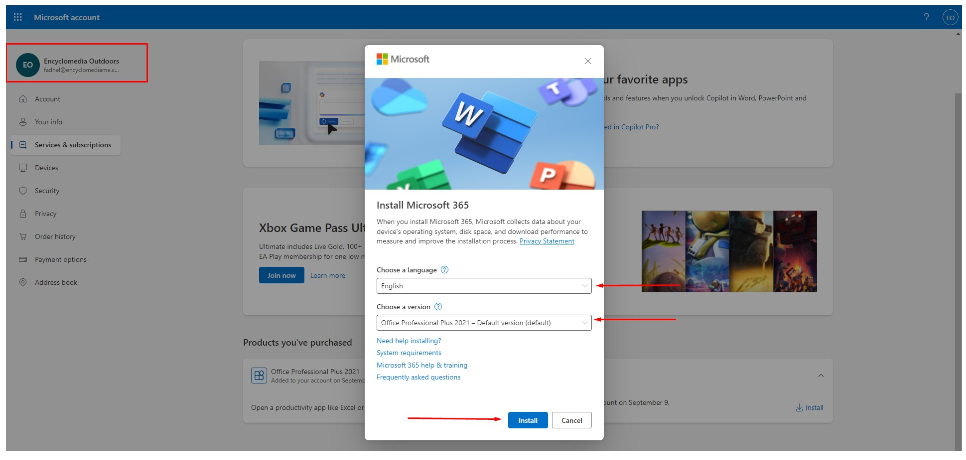
Visit your Microsoft Services page: account.microsoft.com/services. You will see your purchased product listed there. Click Install.
Step 5: Finalize Setup
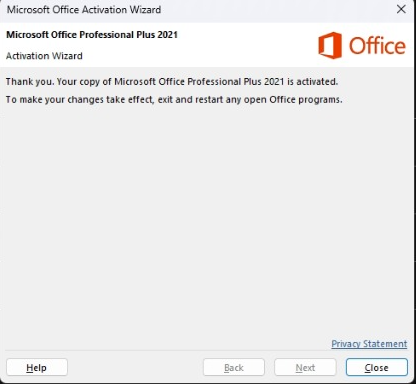
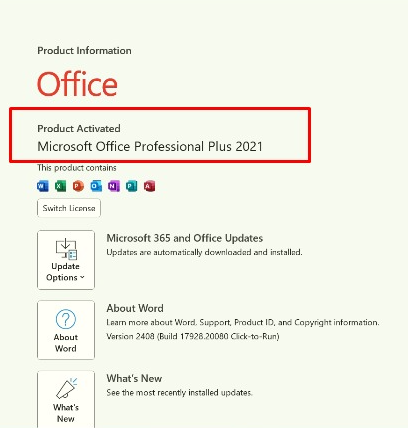
Run the installer on your computer. Once finished, you will receive a "Success" message, and your Office apps are ready to use!
Need Assistance?
If you encounter any issues during activation, our team is ready to help you step-by-step.