Skip to Content
  • الْعَرَبيّة English (US)
Data Recovery - Hex Tech
  • 0
    My Cart
  • Sign in
  • Home
  • Our Shop
  • Our Services
    • Services
    • Remote IT Support
    • Software -  Hardware Repair
    • Unlock Phone
  • Donor Drives
  • Submit your case!
  • Our Blog
  • About Us!
    • About Us
  • Help
    • Submit a Ticket
Data Recovery - Hex Tech
  • 0
    • Home
    • Our Shop
    • Our Services
      • Services
      • Remote IT Support
      • Software -  Hardware Repair
      • Unlock Phone
    • Donor Drives
    • Submit your case!
    • Our Blog
    • About Us!
      • About Us
    • Help
      • Submit a Ticket
  • الْعَرَبيّة English (US)
  • Sign in

Nitro PDF Pro 14 & 13: Activation Guide

High-Performance PDF Editing with a Lifetime License
  • All Blogs
  • ​Software
  • Nitro PDF Pro 14 & 13: Activation Guide
  • November 18, 2024 by
    Nitro PDF Pro 14 & 13: Activation Guide
    Hex Technology
    | Updated on March 2026


    ​Are you looking for a professional, lifetime solution for PDF editing? Nitro PDF Pro is one of the most powerful alternatives to Adobe Acrobat, offering full editing, conversion, and security features for Windows users.

    Quick Facts:

    • Supported OS: Windows (Note: macOS is not supported for this specific version).

    • License Type: Lifetime Activation.

    • Official Downloads: [Nitro PDF Pro 14] | [Nitro PDF Pro 13]

    Step-by-Step Activation Instructions

    Please follow these steps carefully to ensure a successful offline/manual activation.

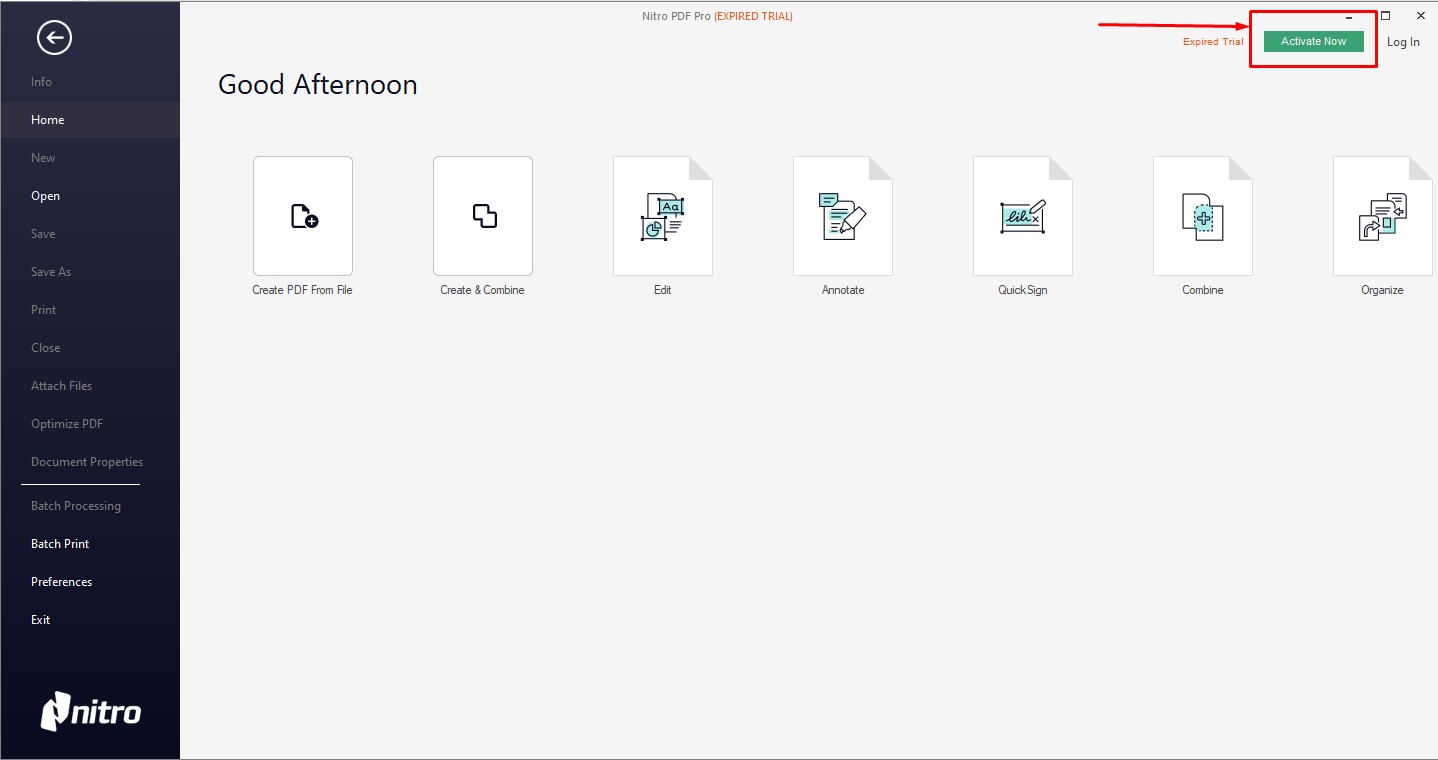
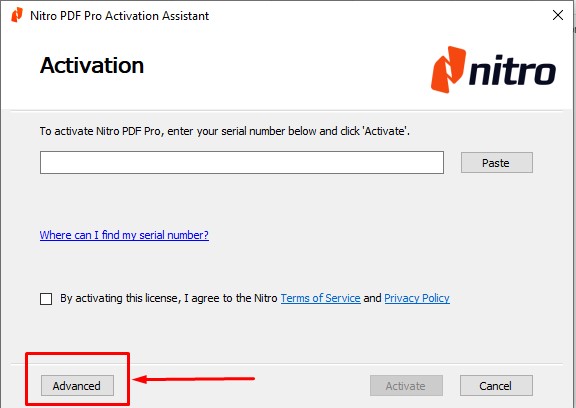
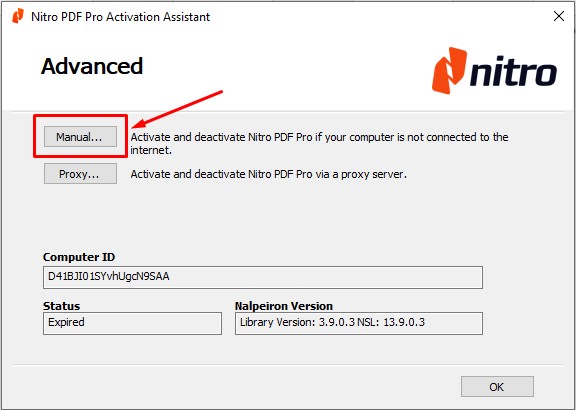
    Step 1: Initiate Activation Install the software and select your preferred language. Once opened, navigate to the activation menu and click: Activate Now > Advanced > Manual.
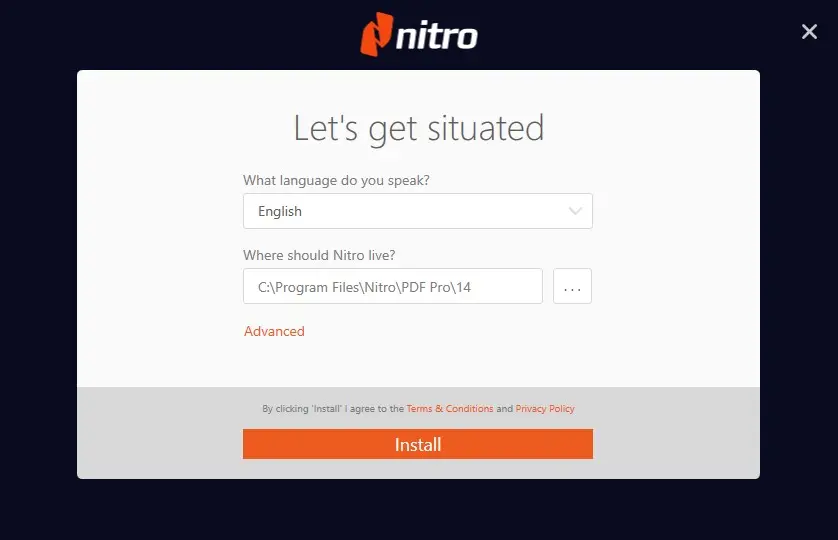
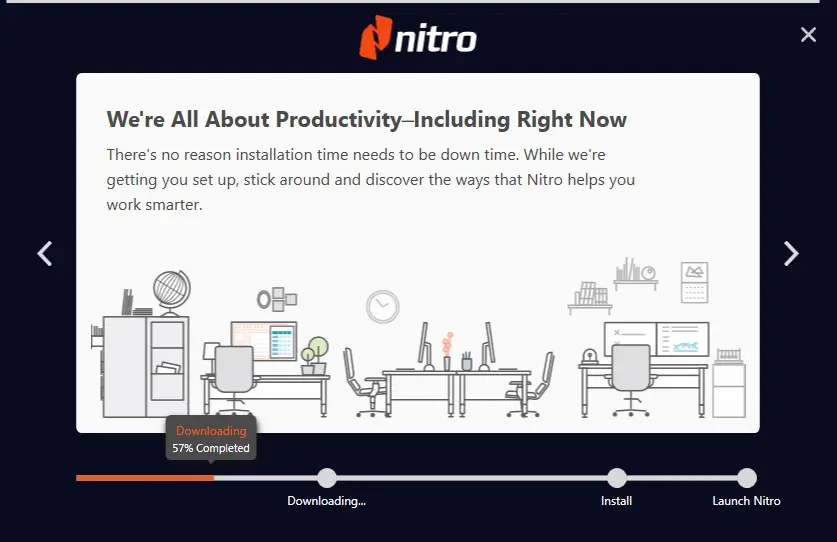
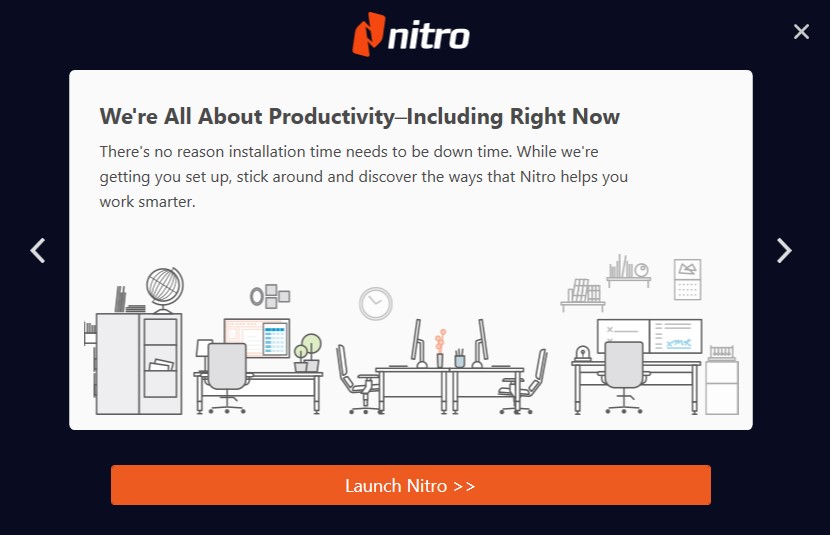
    Step 2: Enter Your Serial Key Paste the digital product key provided to you by our team, then click Next.
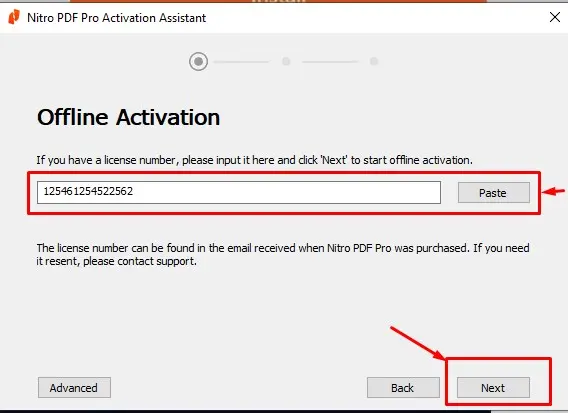
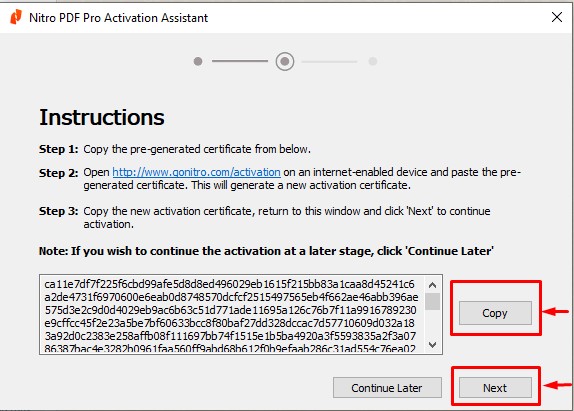
    Step 3: Generate the Installation Code (Crucial Step!) The system will generate a long "Installation Code."

    1. Click Copy to capture the entire code.

    2. Paste the code into a Text (txt) or Word file.

    3. Send this file to our WhatsApp: +973 33217825.

    4. Click Next in the software, but DO NOT CLOSE THE WINDOW.

    Step 4: Finalize Activation

    • Important: Keep the activation window open! If you close it, the code will change and we will have to restart the process.

    • Wait for our team to send you the Activation Certificate.

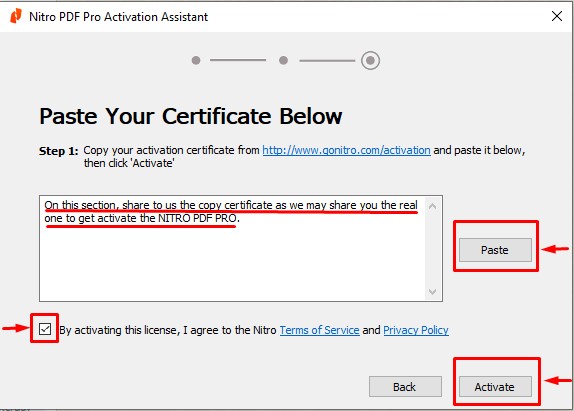
    • Copy the certificate code we provide and paste it into the boxes provided in the software.

    • Click Activate.


    Congratulations! 
    Your Nitro PDF Pro is now fully activated for lifetime use.


    in ​Software
    Nitro PDF Pro 14 & 13: Activation Guide
    Hex Technology November 18, 2024
    Our blogs
    • ​Software
    • Support
    • Tips and Tricks
    • Repair
    • New
    • Data Recovery
    • Our blog
    Sign in to leave a comment
    Useful Links
    • Home
    • Products
    • Services
    • Terms & Conditions
    Get In Touch ..
    • Contact us
    • info@hex.technology
    • +973 33217825
    • 📍   https://maps.app.goo.gl/UMda5YMLWfqVYQTN8

    Follow us
    Copyright © 2026 Hex Technology
    الْعَرَبيّة | English (US)
    Powered by Odoo - Hex Technology Data Recovery Bahrain