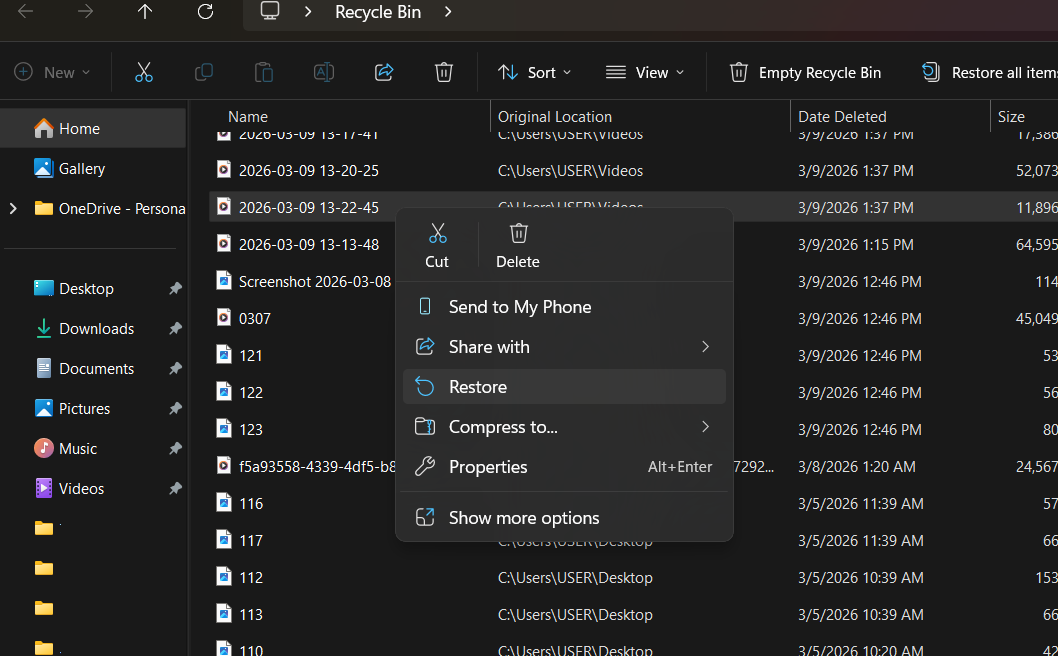
SSD drives are excellent for system performance, but they handle data deletion very differently than traditional hard drives.
The Technical Challenge: Why SSDs are Different
Due to a feature called TRIM, an SSD proactively clears deleted data to maintain high speeds. Once you delete a file or format the drive, the data may only remain recoverable for a very short window—often less than 24 hours. After that, the drive permanently wipes the cells, making recovery nearly impossible.
Immediate Action Required:
If you realize you've accidentally deleted important files:
Stop Using the Device: Every second the computer stays on, the system might permanently overwrite your lost data.
Seek Professional Help: Data recovery from SSDs is highly complex. While we cannot guarantee a 100% recovery rate, our team uses specialized tools to maximize the chances of success.
Remote Diagnosis: We can provide an initial assessment via AnyDesk. Access the tool here: AnyDesk Link.
What We Need to Know:
To assist you better, please provide the following details:
The exact method of deletion (Manual delete or Formatting).
The original location of the files.
How many hours/days have passed since the deletion.
Our Recommendation:
SSDs are built for speed, not for long-term safe storage of single-copy data. Always maintain a secondary backup. Don't rely on one; having two backups is much better.