
When upgrading an older system from Windows Home to Pro, you might encounter an error where the device fails to accept the new key directly. This is often due to the system being outdated or locked into its current version.
How to Force the Upgrade:
To resolve this, you need to reset the licensing manager and use a generic staging key to unlock the Pro features.

Step-by-Step Instructions:
Run the Command Prompt (CMD) as Administrator, then copy and paste the following block of code:

slmgr.vbs /upk
slmgr.vbs /cpky
sc config LicenseManager start= auto & net start LicenseManager
sc config wuauserv start= auto & net start wuauserv
changepk /productkey VK7JG-NPHTM-C97JM-9MPGT-3V66T
net start sppsvc
cscript %windir%\system32\slmgr.vbs /rilc
What to Expect:
- Once the process starts, Windows will begin the upgrading phase.

- 2. Your system might temporarily display as Windows Enterprise. This is a normal part of the staging process.
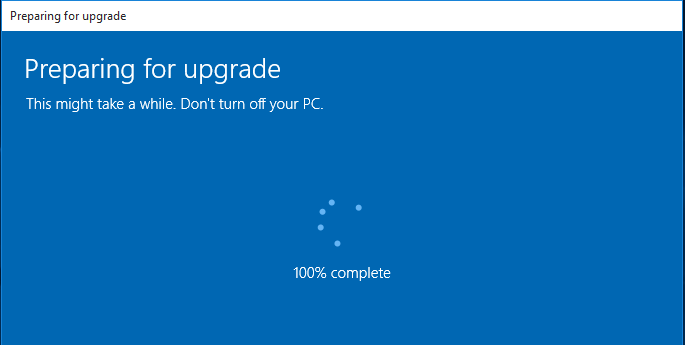
- 3. Final Step: Enter the Genuine Product Key you purchased from us. This will finalize the activation and revert the system to its permanent Windows Pro status.
Upgrade Your Productivity with Hex Technology
Transitioning to Windows Pro should be a smooth step toward better security and productivity, but technical glitches often turn it into a frustrating experience. At Hex Technology, we specialize in resolving complex activation hurdles and licensing conflicts that prevent your system from reaching its full potential. We utilize advanced diagnostic tools to clean up registry errors and ensure your hardware is ready for the professional version of Windows. Don't waste hours on confusing forums or risk using unofficial workarounds; visit us in Bahrain today for a professional and seamless experience, and let our team provide the specialized expertise needed to upgrade your Windows Pro successfully and securely.
Should you need any assistance, please feel free to reach out to us..